



Outdoor Security Cameras
An outdoor security camera eliminates the guesswork of what's happening around your home. You simply watch live via Wi-Fi and receive immediate notifications of motion, ensuring clarity at all times. Siltcon's outdoor cameras are wireless, quick to install, and built for reliable outdoor use. With fast delivery, CE-certified quality, and a 30-day return policy, you choose peace of mind without the hassle.
Filters
16 products
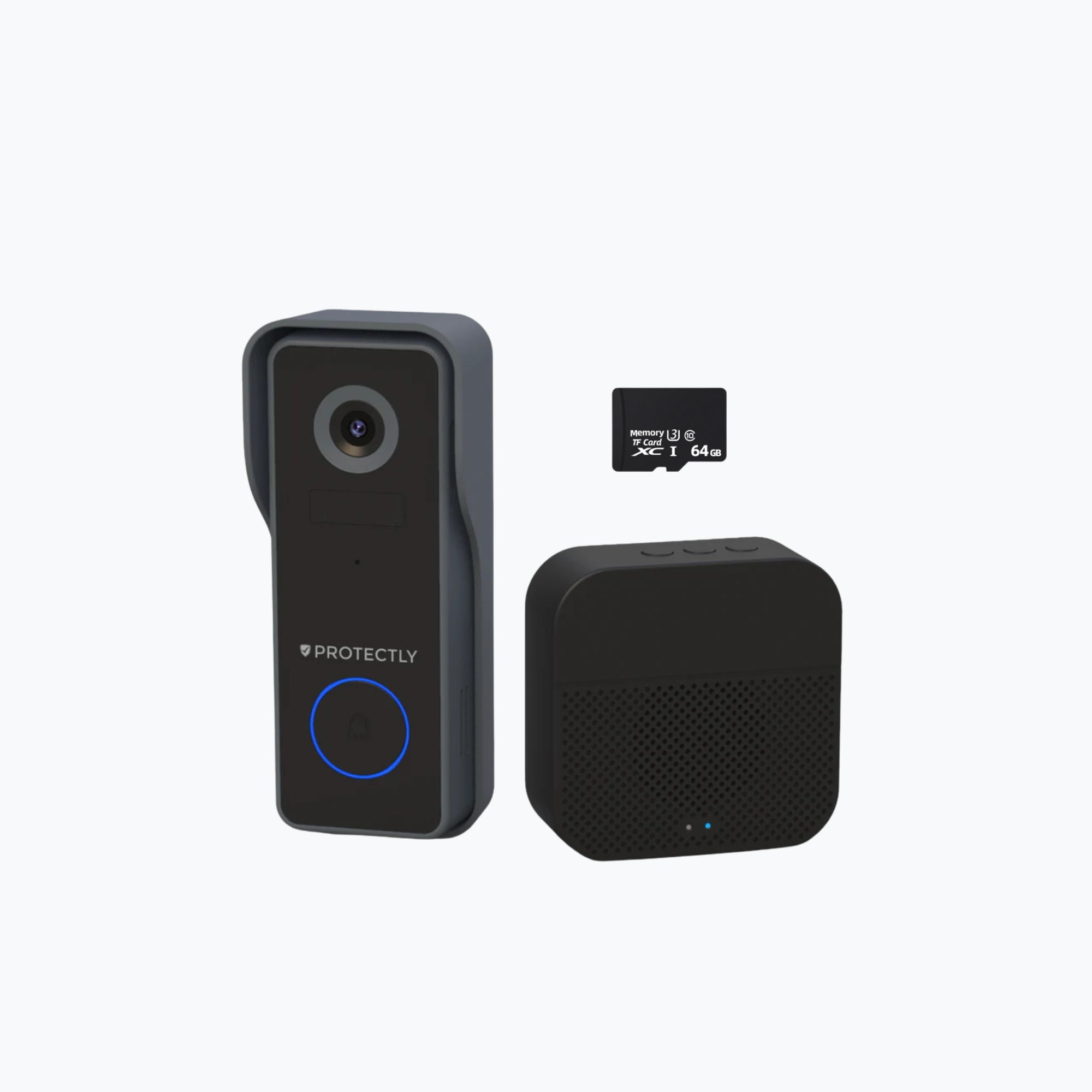
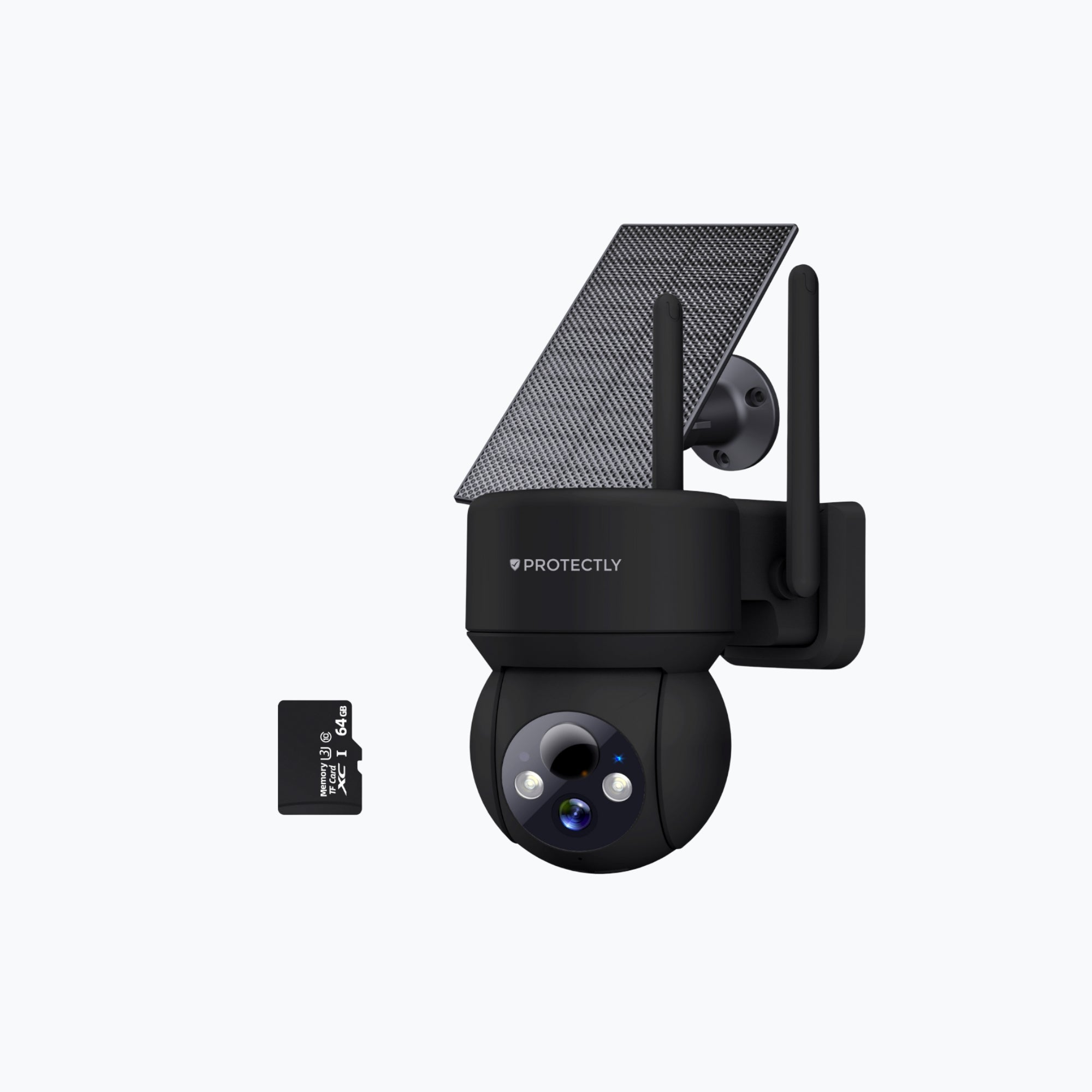
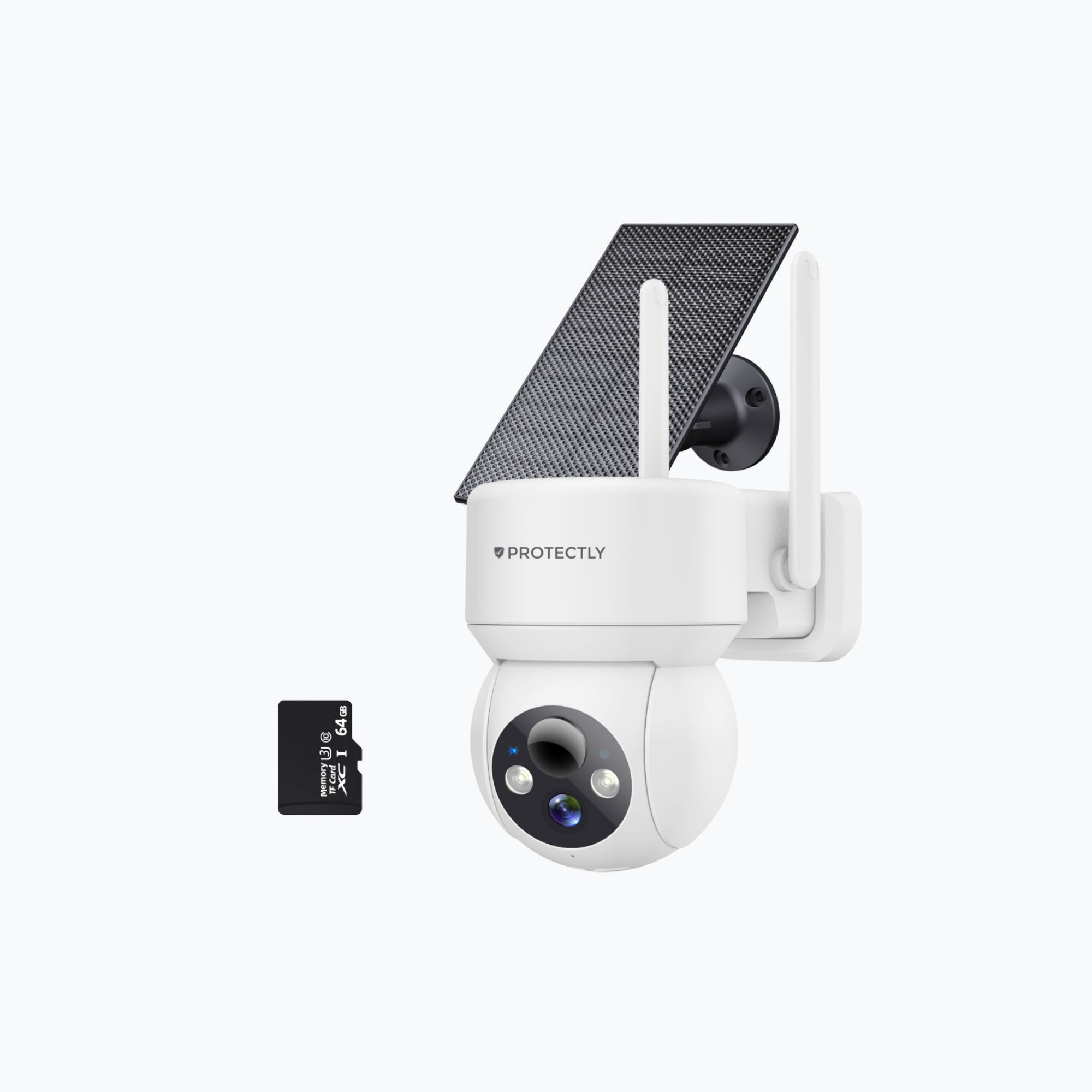
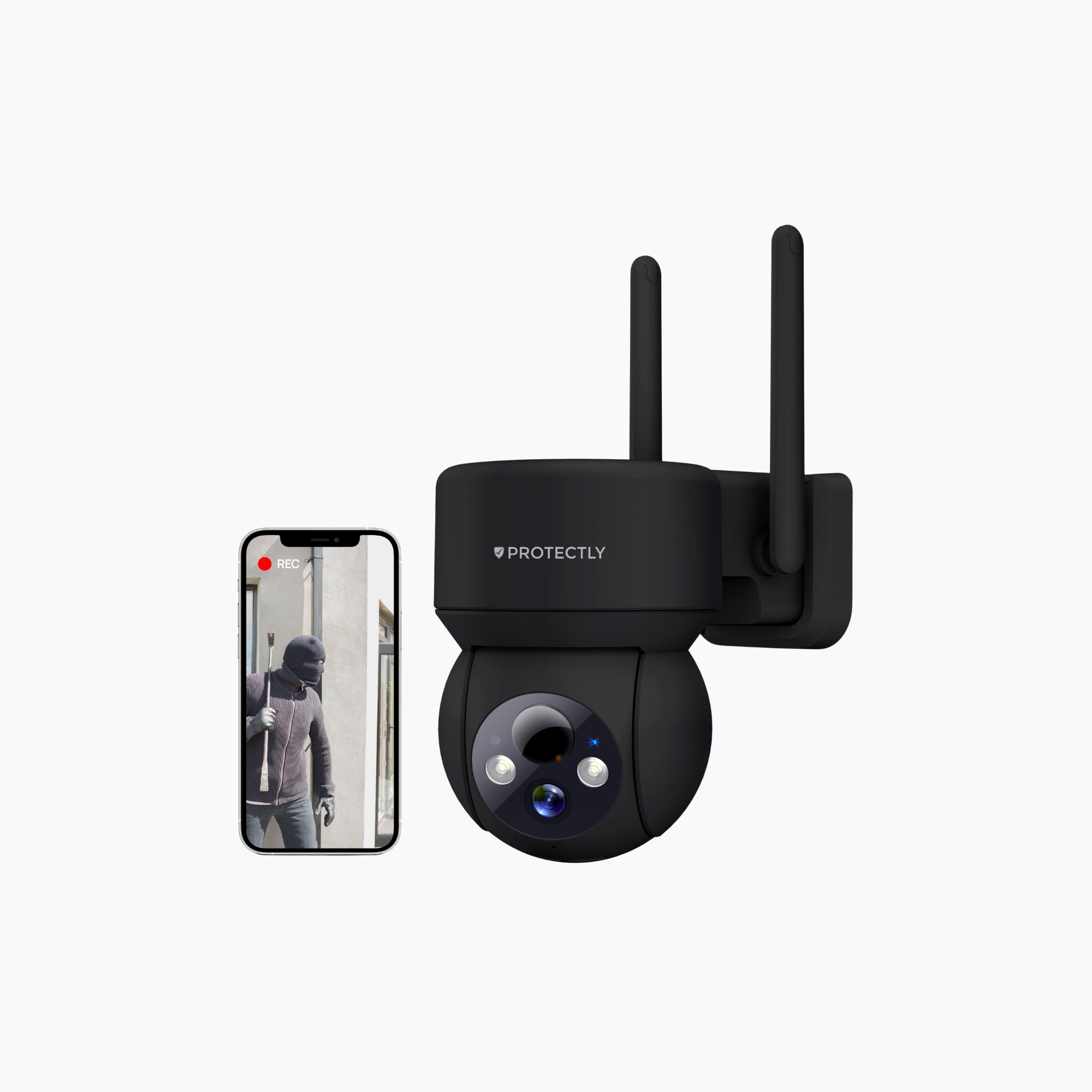
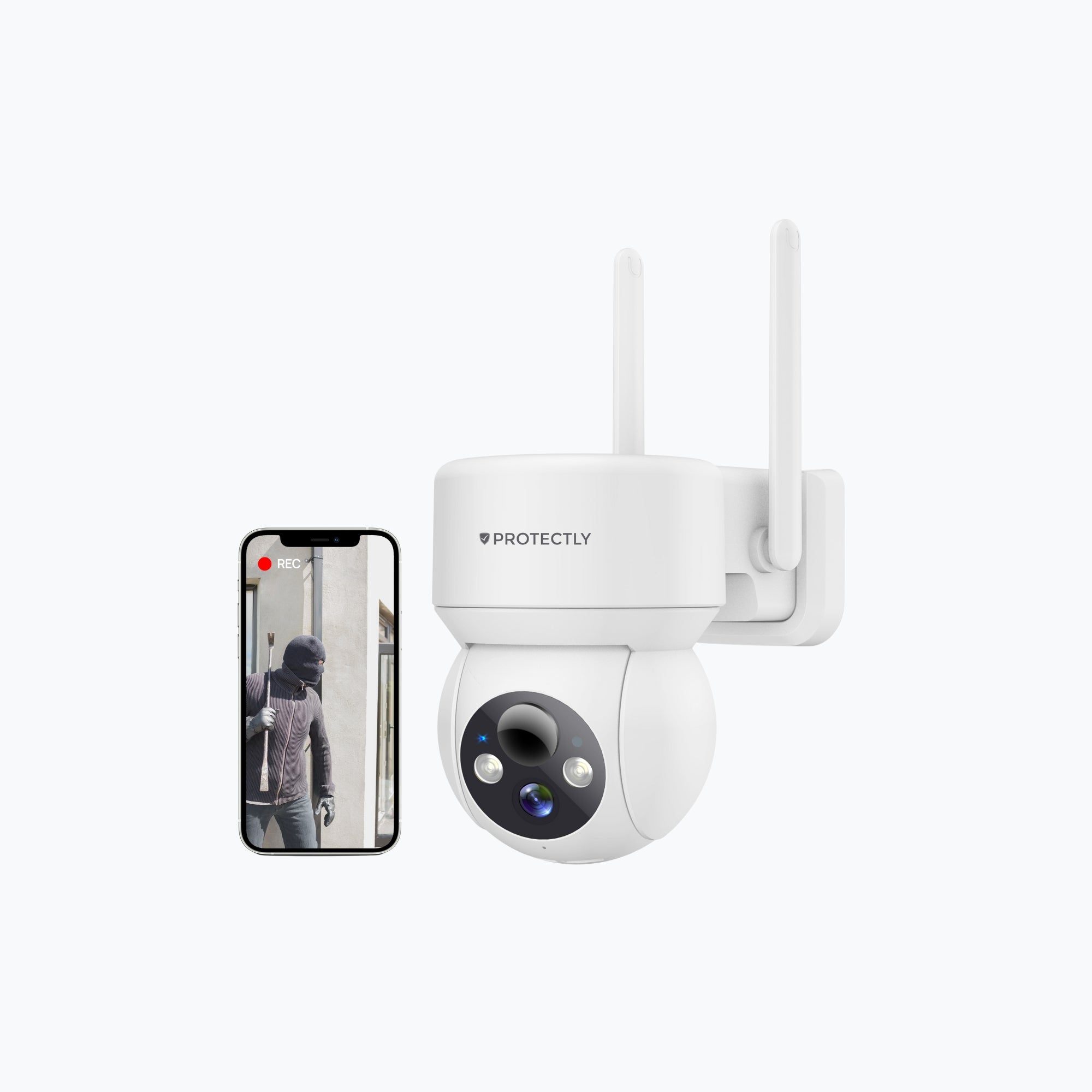

What is the difference between the various Protectly outdoor security cameras?
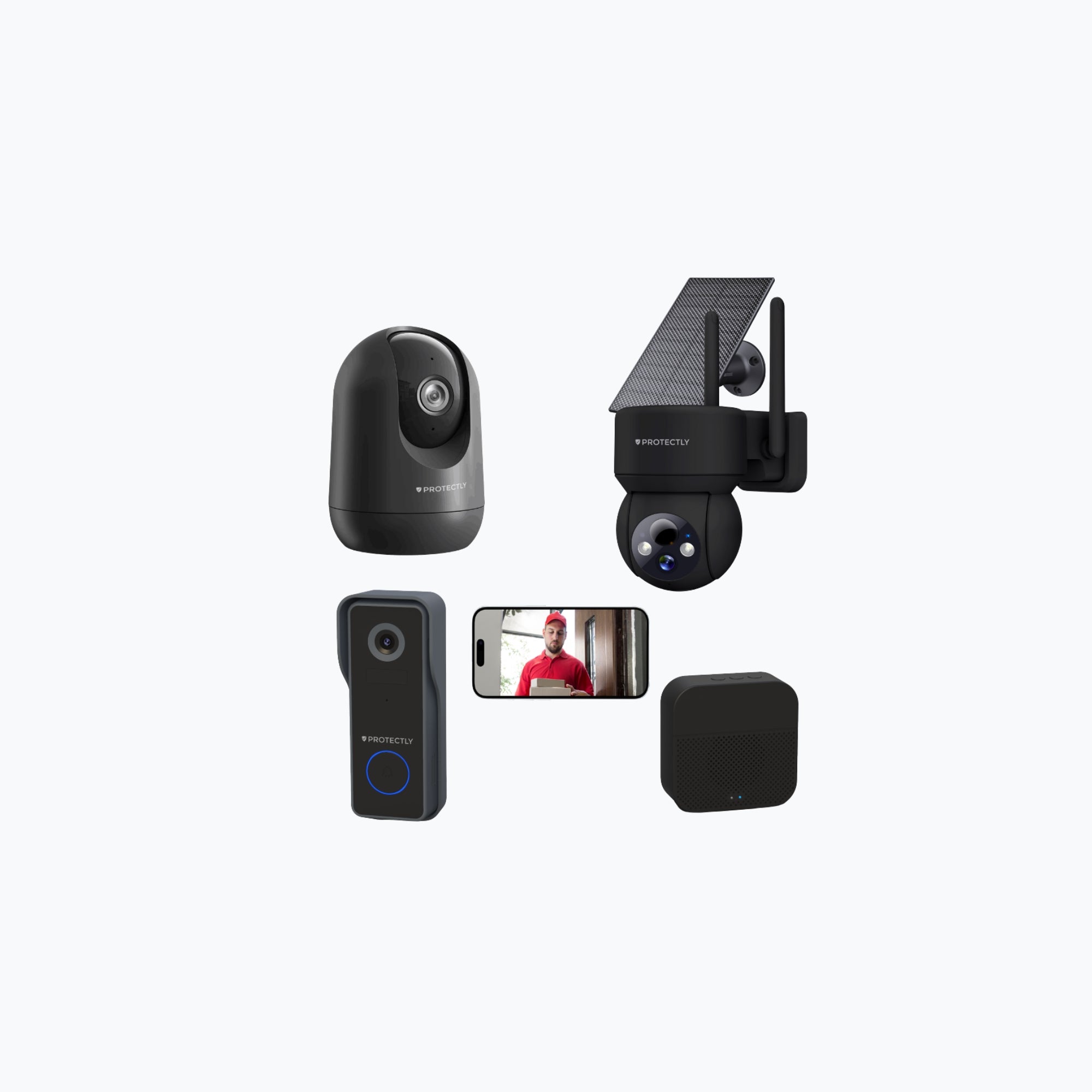
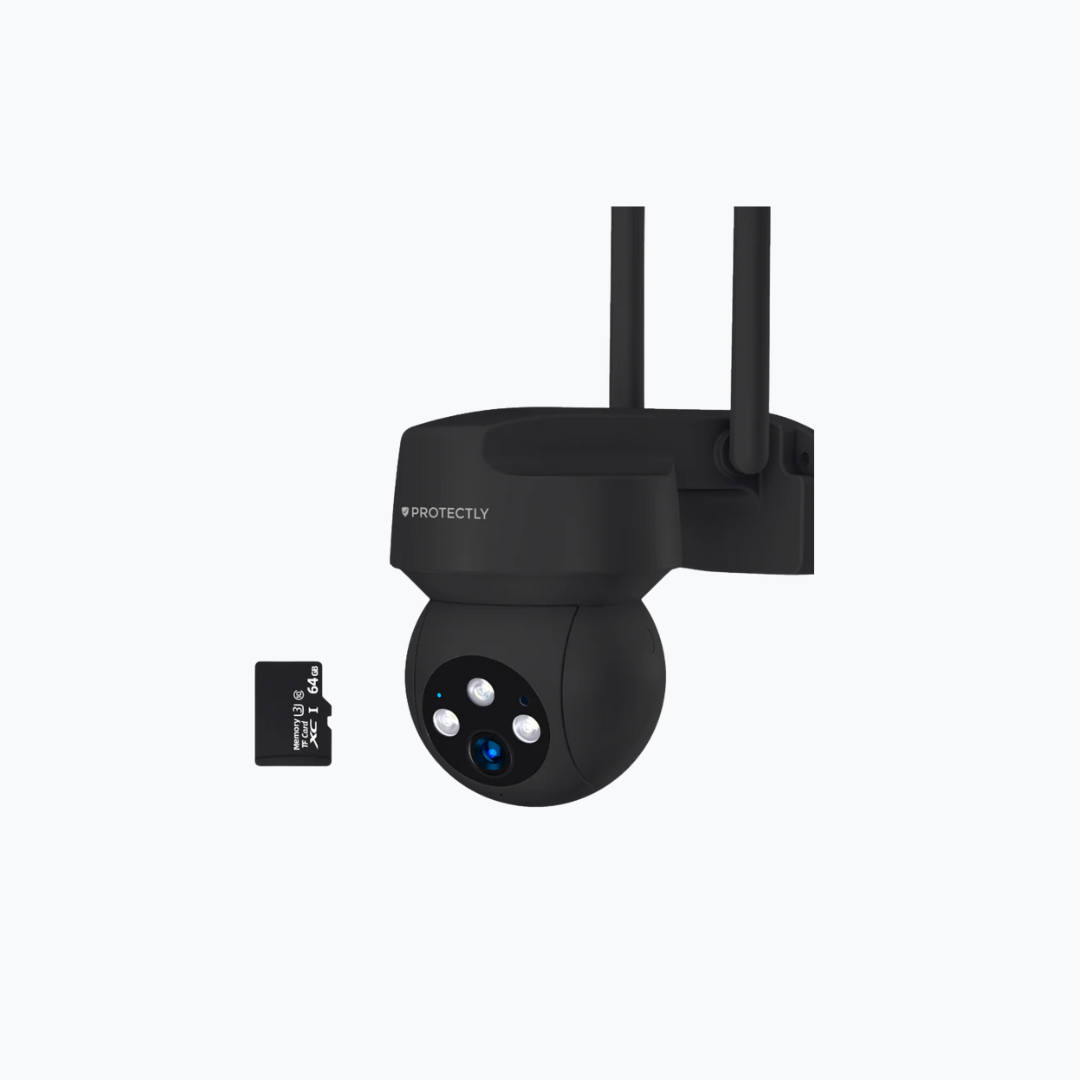
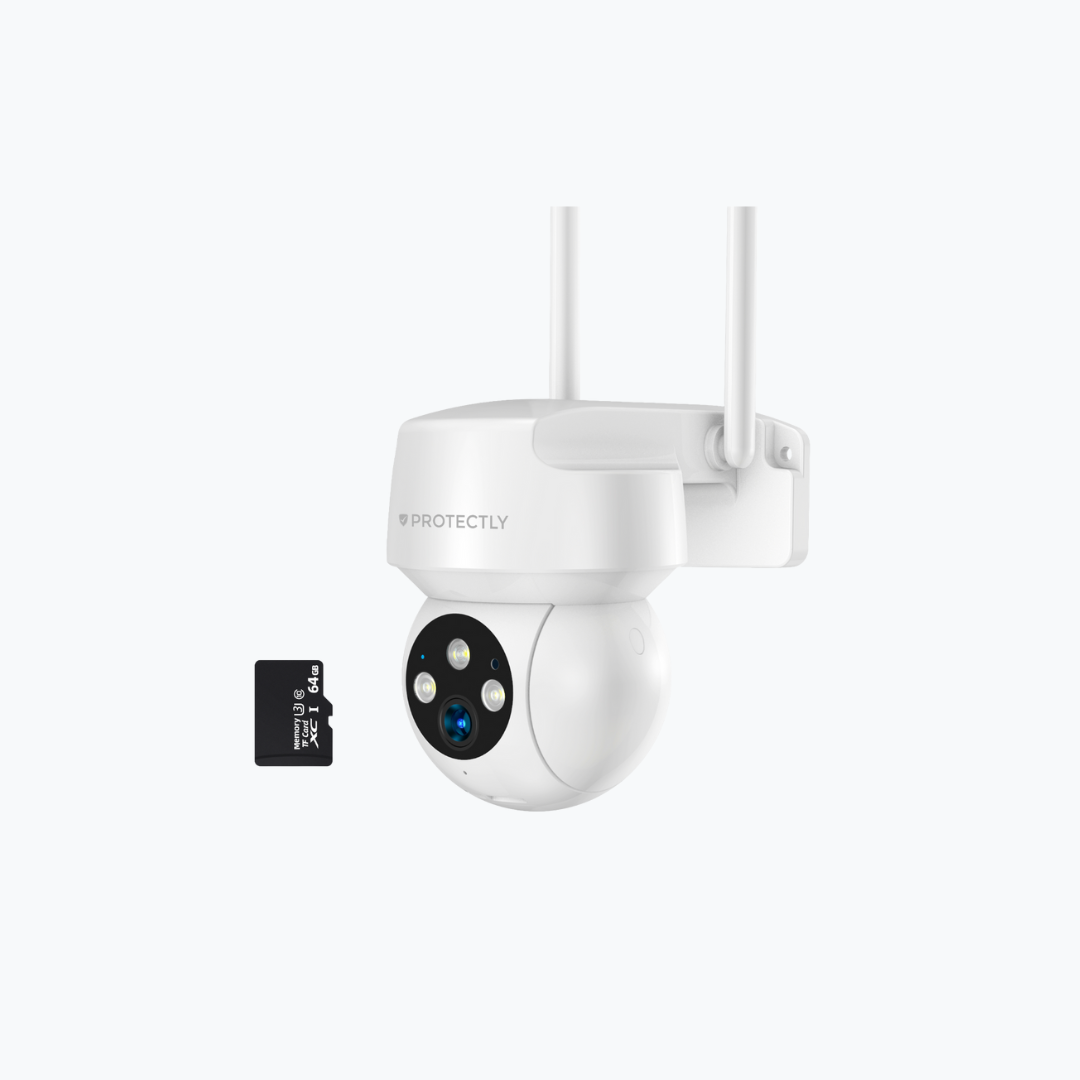
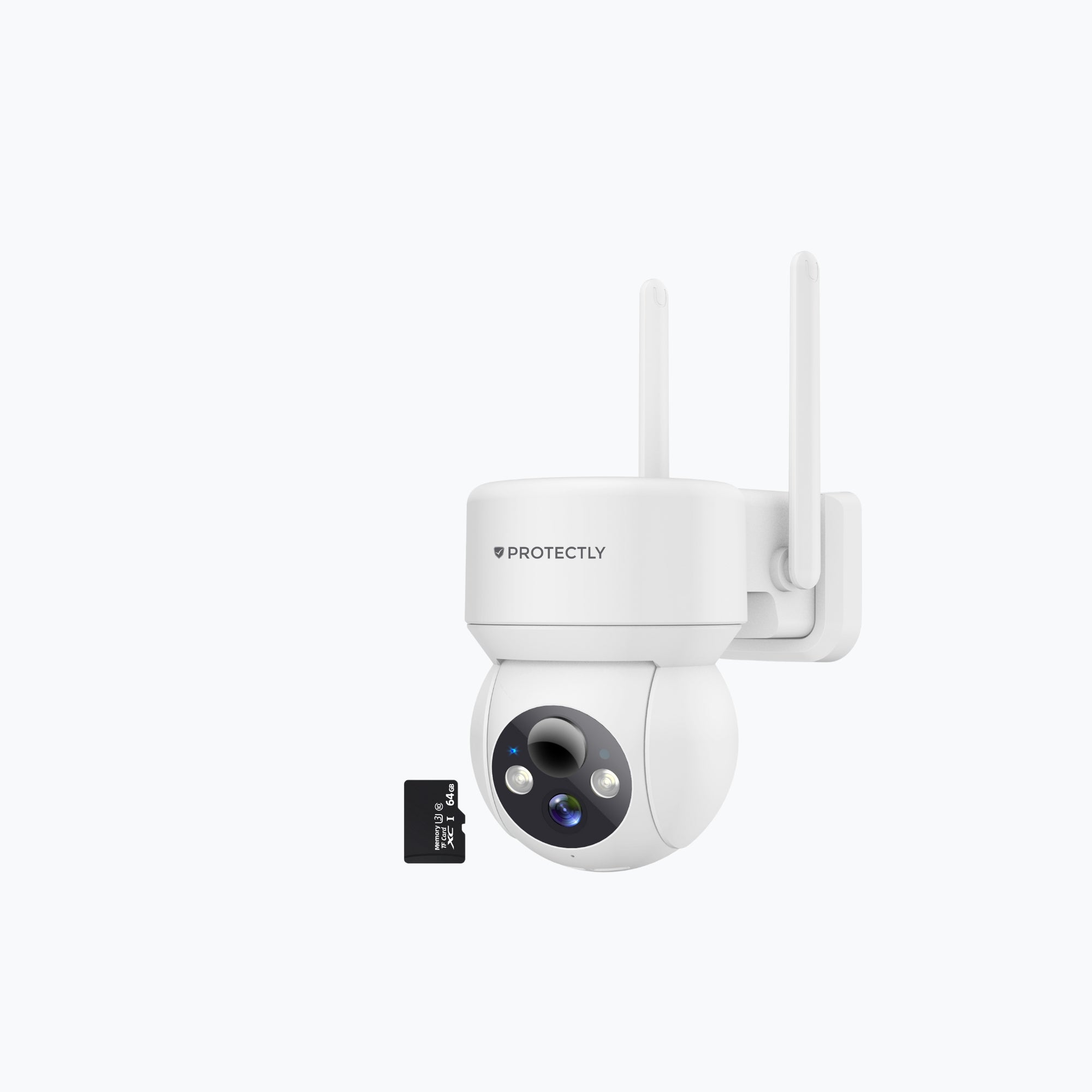
The different Protectly outdoor security cameras mainly differ in image quality, battery life, storage options, and extra features such as solar panels, lighting, or sirens. There are models with 2K, 3K, or even 5MP resolution. The higher the resolution, the sharper the images. The 3K and 5MP cameras provide more detail, which is useful if you want to recognize faces or license plates, for example.
Additionally, some models have a built-in solar panel or the option to connect a solar panel. This allows you to use the camera completely wirelessly without needing to recharge it frequently. Other models include built-in lighting, sirens, or automatic tracking for extra security. The connection type also varies: some cameras have a fixed cable, while others are fully wireless.
Some models are more suited for compact applications (such as balconies or doors), while others are ideal for wide areas. Think carefully about what you need: do you mainly want overview, long battery life, sharp images, or extra security features? This way, you can easily choose the model that fits you best.
How does a wireless security camera work exactly and what do I need for installation?
A wireless security camera operates on Wi-Fi and a built-in rechargeable battery, so you don’t need cables or complicated installations. You install the camera by charging it, connecting it to your smartphone via the CloudEdge app, and then hanging it in a suitable location. The app guides you step-by-step through the process, all in Dutch.
For installation, you only need a smartphone with the app and a place with stable Wi-Fi coverage. The package includes everything you need to mount the camera, including plugs, screws, and a mounting bracket. Within a few minutes, you have live footage. No technician or technical knowledge is required. Thanks to the wireless operation, you can place it flexibly, even in spots without a nearby power outlet.
What are the advantages of a security camera with a solar panel?
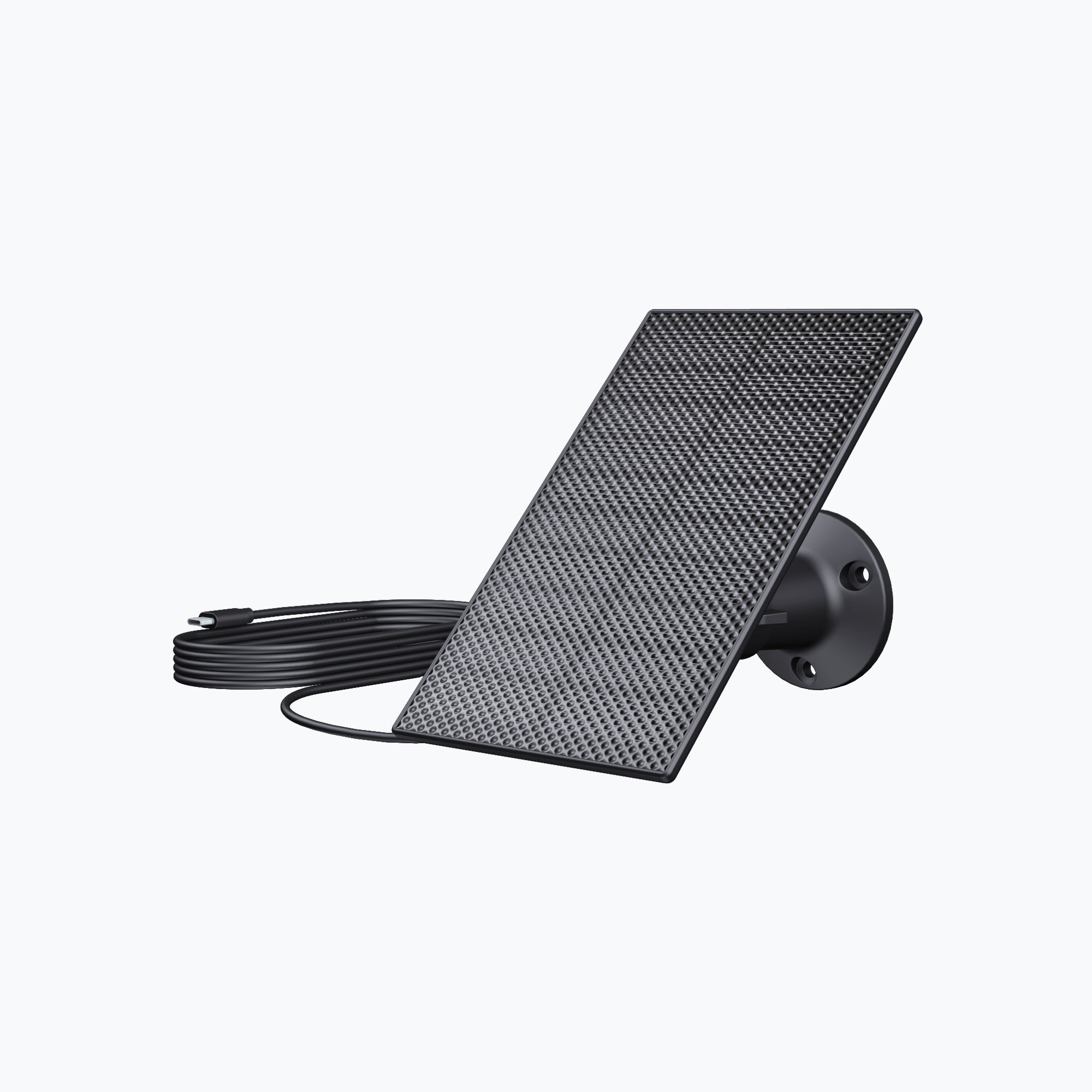
A security camera with a solar panel offers great convenience and sustainability. You no longer have to worry about charging the battery because the solar panel keeps your camera continuously charged. This is especially ideal if you install the camera in a place that is hard to reach, such as on a facade or in the garden.
Moreover, it is more environmentally friendly and saves you money on electricity in the long run. The Protectly solar panels are compact, waterproof (IP65), and easy to mount with the included bracket. They are adjustable so you can always point them directly at the sun. With just a few hours of sunlight per day, your camera remains fully operational. This way, you have year-round security without hassle or worry.
Does a wireless outdoor camera also work well in bad weather or frost?
Yes, Protectly outdoor security cameras are specially designed to function in all weather conditions. They have an IP66 or IP65 water and dust resistance certification, meaning rain, snow, dust, and even strong wind are no problem. The sturdy housing ensures the inside of the camera remains well protected.
The camera also works well in frost or extreme temperatures. This makes them especially suitable for use in winter or in open areas exposed to the elements. It is always wise to place the camera somewhat sheltered if possible, for example under a roof edge or canopy. This extends the lifespan even further, although they can also hang fully exposed without issues.
Can I watch the live footage on my phone?
Yes, all Protectly wireless security cameras work with the CloudEdge app, which lets you watch live footage anytime. Once you have connected the camera via Wi-Fi, you can access the live images directly on your smartphone through the app. This works anywhere in the world as long as your phone has an internet connection.
You can even set notifications for motion detection, so you can watch live as soon as something happens. You see in real-time what is going on, whether you are at home or on vacation. This feature also makes the camera ideal for monitoring children, pets, or vulnerable areas around your home. Everything is clearly explained in Dutch within the app.
How long does the battery of a wireless security camera last?
The battery life of a Protectly security camera depends on usage. With average use (a few notifications per day and occasional live viewing), the built-in 5200 mAh battery lasts about 2 to 3 months on a full charge. If you use the camera more intensively, for example with a lot of live viewing or notifications, the battery will last somewhat shorter.
If you choose a model with a solar panel or connect a separate solar panel, you usually don’t need to recharge at all. The solar panel automatically charges the battery whenever there is sunlight, allowing you to use the camera wirelessly for up to 365 days without interruption. This makes it ideal for long-term security without hassle from chargers or cables.
How does motion detection work and how reliable is it?
Motion detection works via a smart sensor that registers movement within a certain range and field of view. As soon as the camera detects motion, it automatically starts recording and you receive an immediate notification on your phone. You can adjust the sensitivity of the detection via the app, so you decide whether the camera should respond to small movements or only larger objects.
The reliability is high, especially with the 3K and 5MP models featuring AI recognition. These can distinguish between people, animals, or vehicles, reducing false alarms. This is ideal if you have many cats or birds in your garden but only want to detect people. Setting zones where the camera should or should not respond also helps limit unwanted notifications.
Is the image from the security cameras also clear at night?
Definitely, Protectly security cameras are equipped with advanced night vision technology. Most models have full-color night vision thanks to built-in LED lighting. This provides bright, colorful images even in complete darkness. Other models use infrared lighting for black-and-white night recordings, which still deliver a lot of detail and sharpness.
Even with minimal lighting, you can still clearly recognize faces, clothing, and movements. This is a big advantage if you want to rely on your camera at night. And because the night mode activates automatically, you don’t have to do anything yourself. Your footage remains usable day and night.
What is the difference between 2K, 3K, and 5MP resolution in security cameras?
These terms indicate how sharp the camera’s image is. A 2K resolution means you already have a very clear image where faces, license plates, and other details are well visible. 3K is a step sharper and is usually used for cameras with 3MP sensors. This allows you to zoom in further without losing quality.
The 5MP models belong to the highest image quality in this price range. They deliver almost 3K Ultra HD images, which is ideal if you monitor large areas or want truly razor-sharp images. Think of zooming in on a person across a driveway without the image becoming grainy. More pixels simply mean more detail, which is often exactly what you want in a security camera.
How does the two-way audio function work and what is it useful for?
With two-way audio, you can talk and listen simultaneously via the app. The camera has a built-in microphone and speaker. For example, if you see someone standing at your door through the live footage, you can speak directly to that person via your phone. Conversely, you can also hear what is happening near the camera.
This is very useful for communicating with delivery people, visitors, or even in emergencies. If you have pets or children in the garden, you can speak or reassure them through the speaker. The sound quality is surprisingly good for an outdoor camera, especially if you don’t hang the camera too high. It gives you an extra layer of control and interaction remotely.
Can I manage multiple security cameras at once in one app?
Yes, the CloudEdge app makes it easy to manage multiple security cameras at once. You add each camera once, and then you can view them separately or all together in one overview. This is handy if you want to secure multiple sides of your house, garden, or business premises.
You can also give different users access so you can share footage or receive notifications together with family members or colleagues. Everything is clearly organized and displayed in Dutch, so even if you have multiple cameras, the use remains intuitive and simple. No hassle with different apps or login details.
How do I safely mount an outdoor camera on my house or property?
Each Protectly security camera comes with a sturdy mounting kit, consisting of plugs, screws, and an adjustable bracket. First, decide where you want to place the camera, ideally at eye level or slightly higher, aimed at the area you want to secure. Make sure there is a good Wi-Fi signal at that spot.
You screw the holder onto a wall, fence, pole, or ceiling, then place the camera in the bracket and rotate it in the right direction. The brackets are rotatable so you can perfectly aim the camera. Some models have a fixed cable, so if you use those, make sure you can neatly lead the cable inside through a slightly larger drill hole. Within 10 minutes, your camera is securely mounted and ready to use.

Discover our story
Siltcon grew from a hobby into a close-knit team with one goal: making useful technology accessible to everyone.
Read moreTrusted by Our Partners