




USB-C docking stations
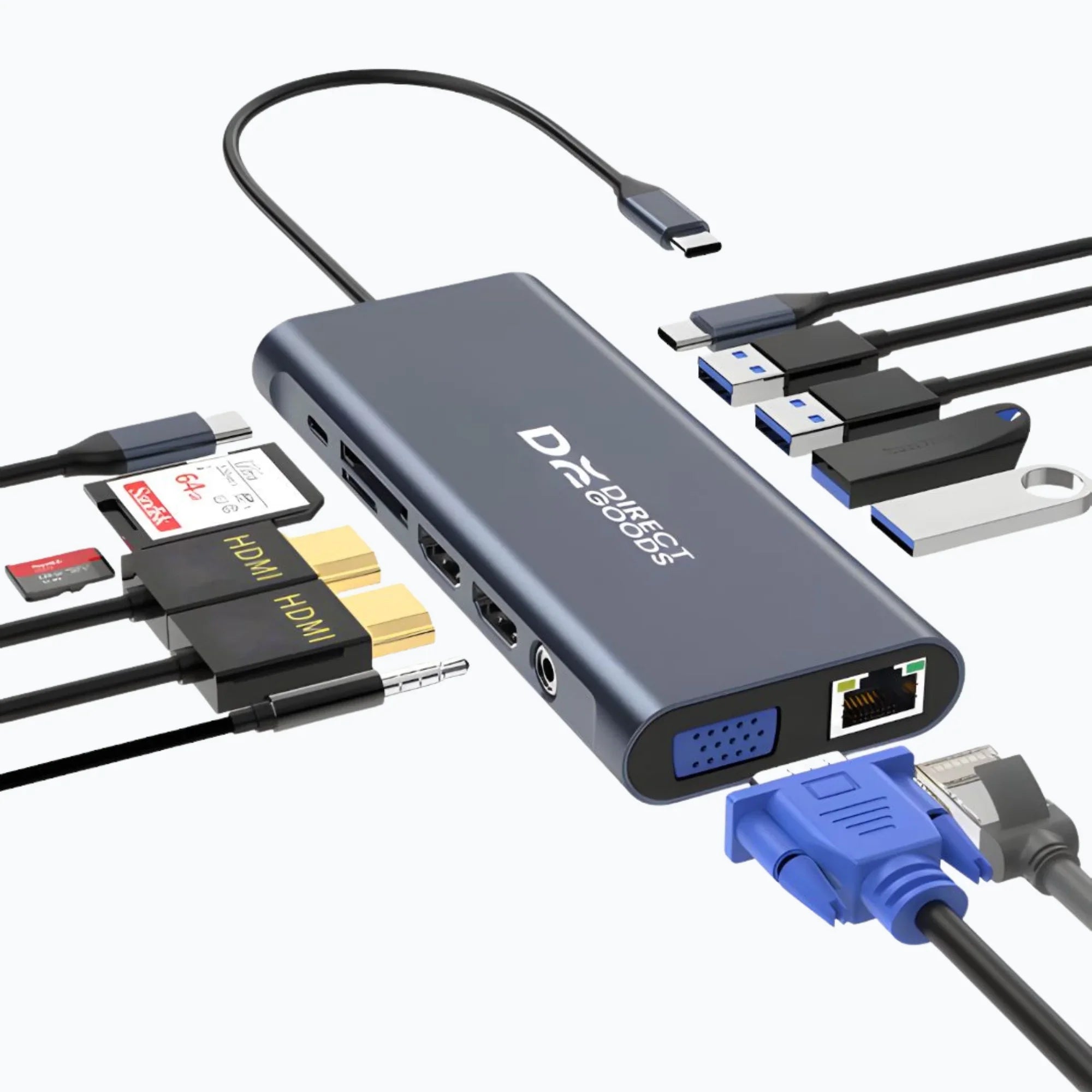
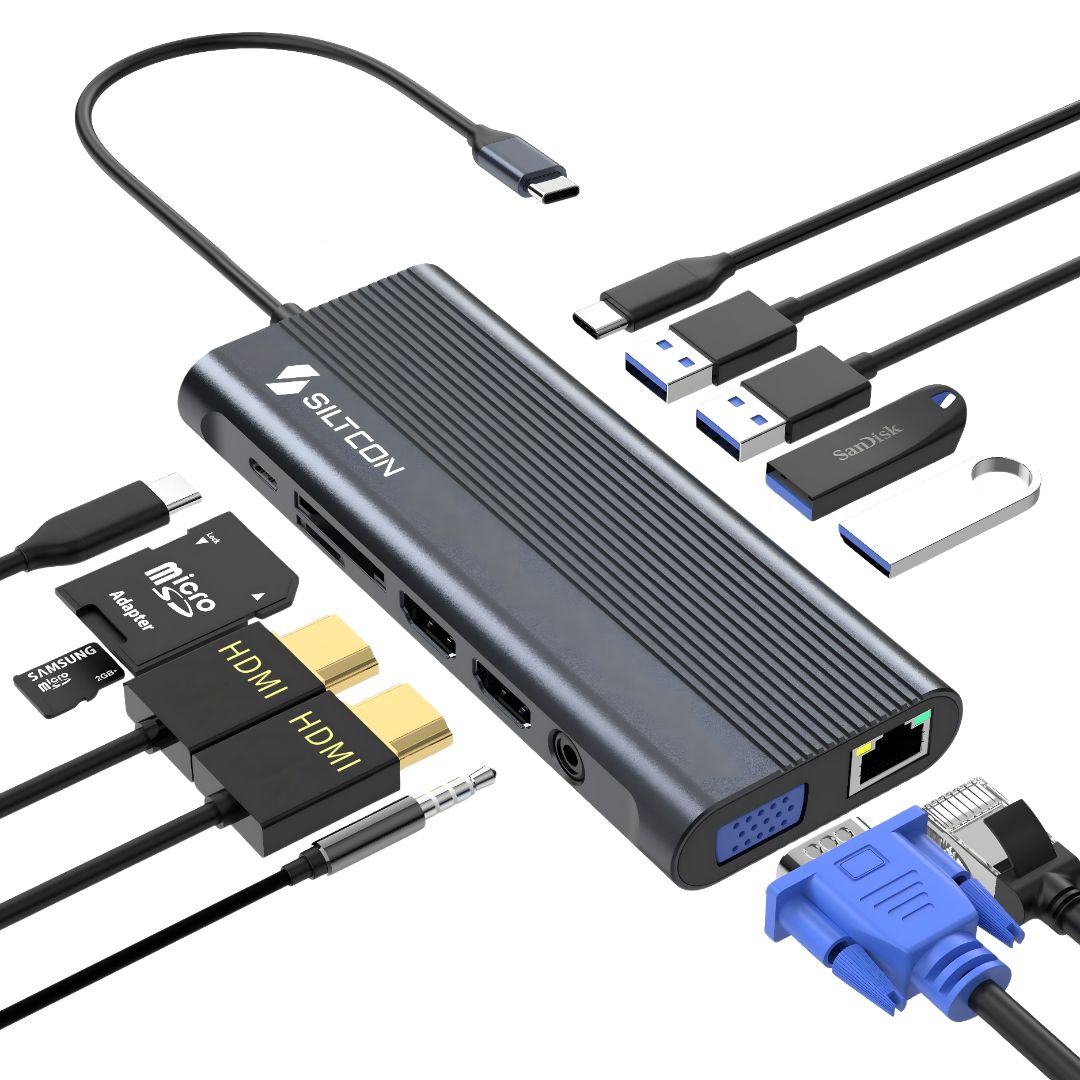
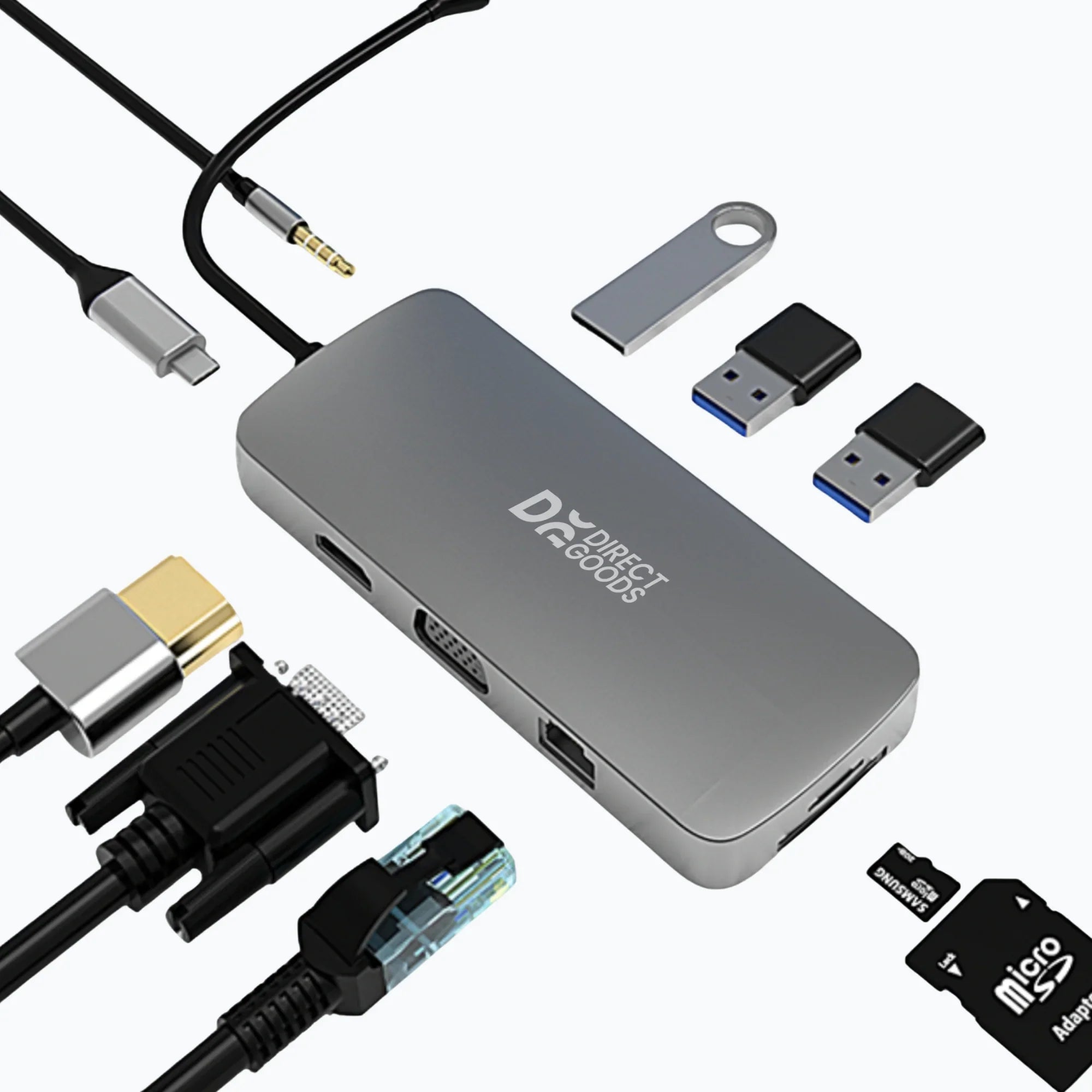
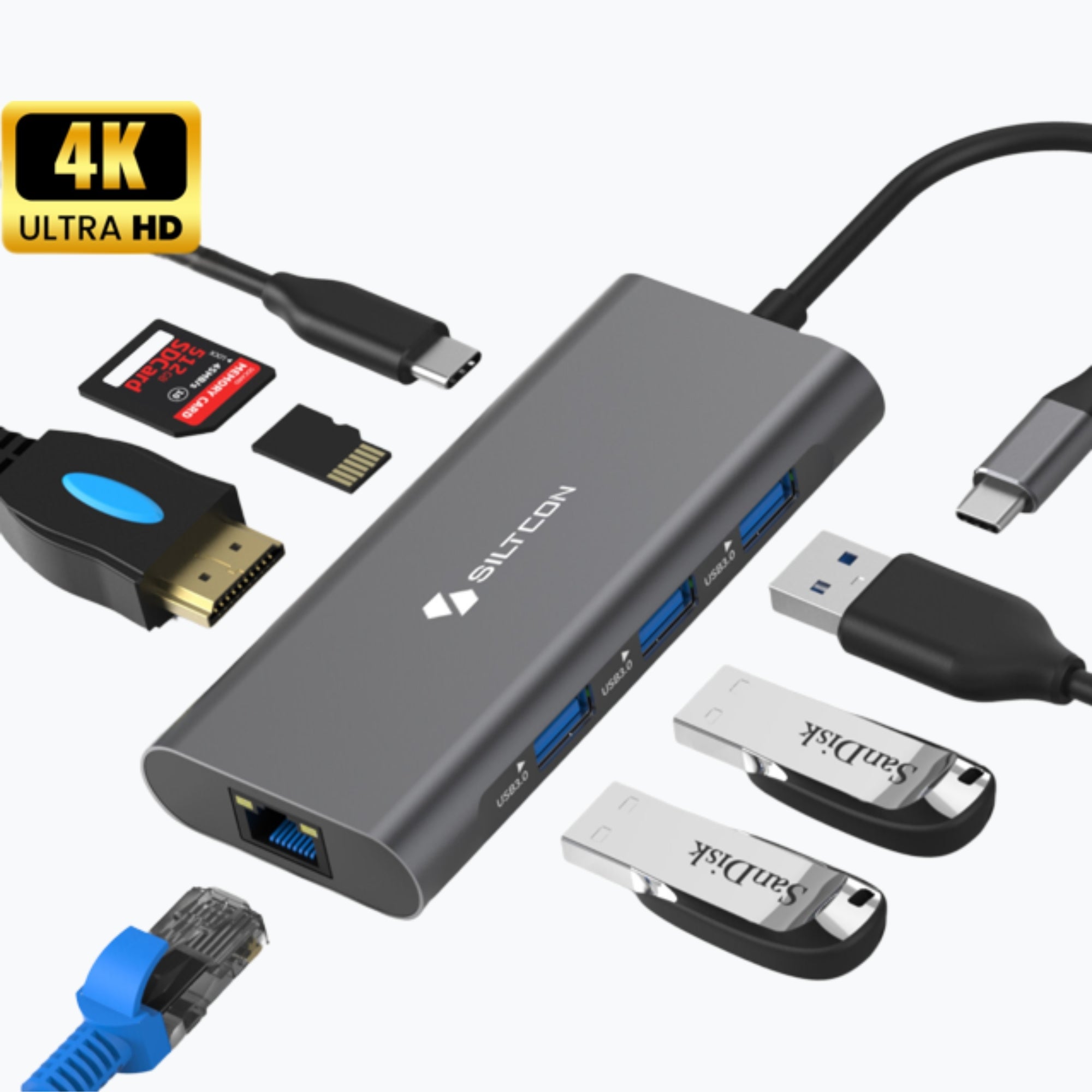
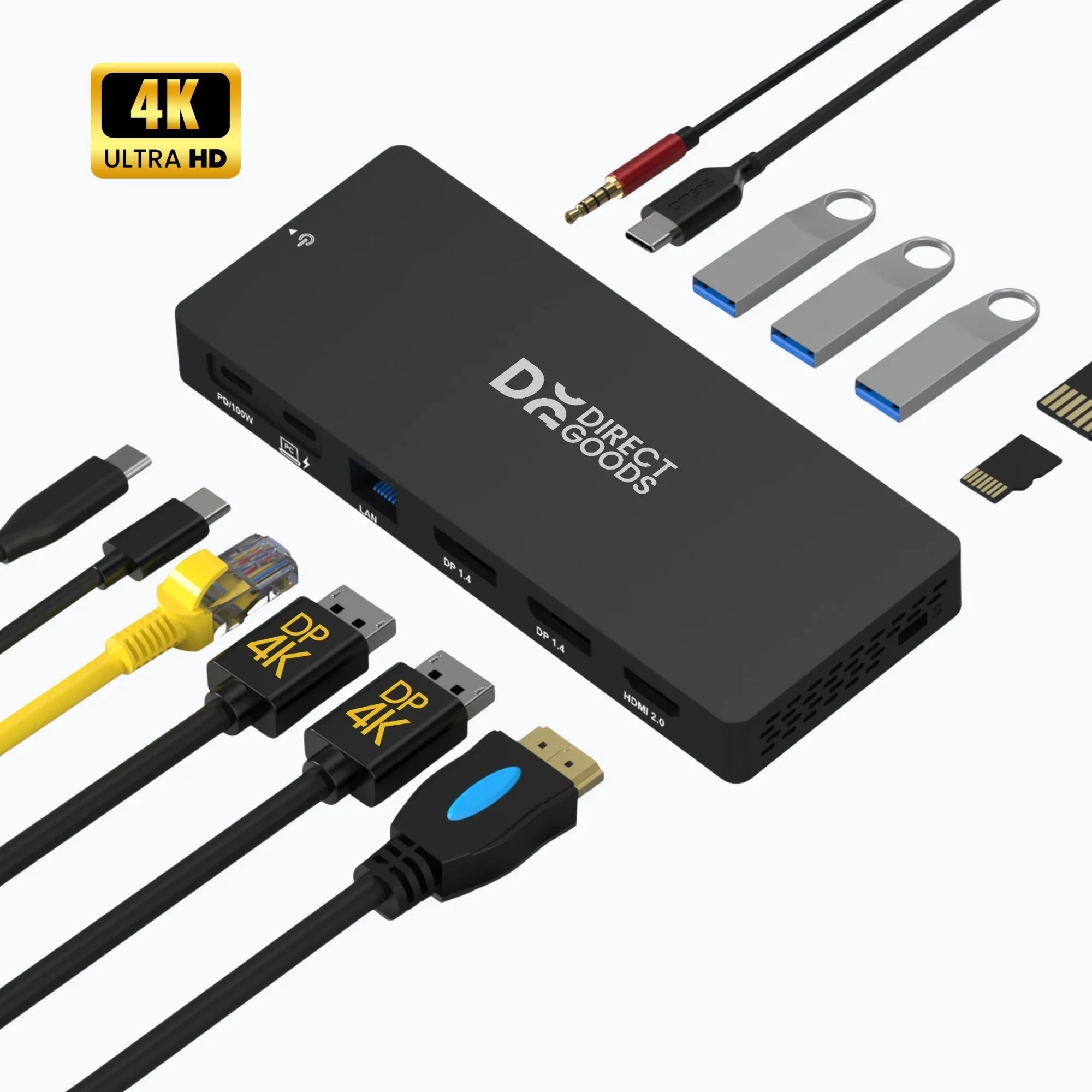
A USB-C docking station instantly transforms your laptop into a complete workspace. With extra ports for monitors, charging, and peripherals, you can work more clearly and efficiently without stacking adapters. Siltcon's USB-C hubs and docking stations are compact, powerful, and ready to use with laptops and MacBooks. Simply connect what you need and get started. It's that simple.
Filters
11 products
10 frequently asked questions about docking stations
Product info
1. What exactly is a docking station and what benefit does it have in my daily work?
A docking station is essentially the link between your laptop and all your peripherals. With one cable, you connect your laptop to multiple devices at once, such as a monitor, keyboard, mouse, external hard drive, or internet cable. This means you don’t have to keep plugging and unplugging cables when you start working. Especially with modern laptops that have few ports, a USB C docking station is almost indispensable. You create a complete workspace at once, at home or in the office. This not only works faster but also more clearly. Fewer cables, fewer loose adapters, and more convenience. For people who multitask a lot or work with multiple screens, a docking station really makes a difference in comfort and productivity.
2. What is the difference between a 6-in-1, 8-in-1, or 14-in-1 docking station?
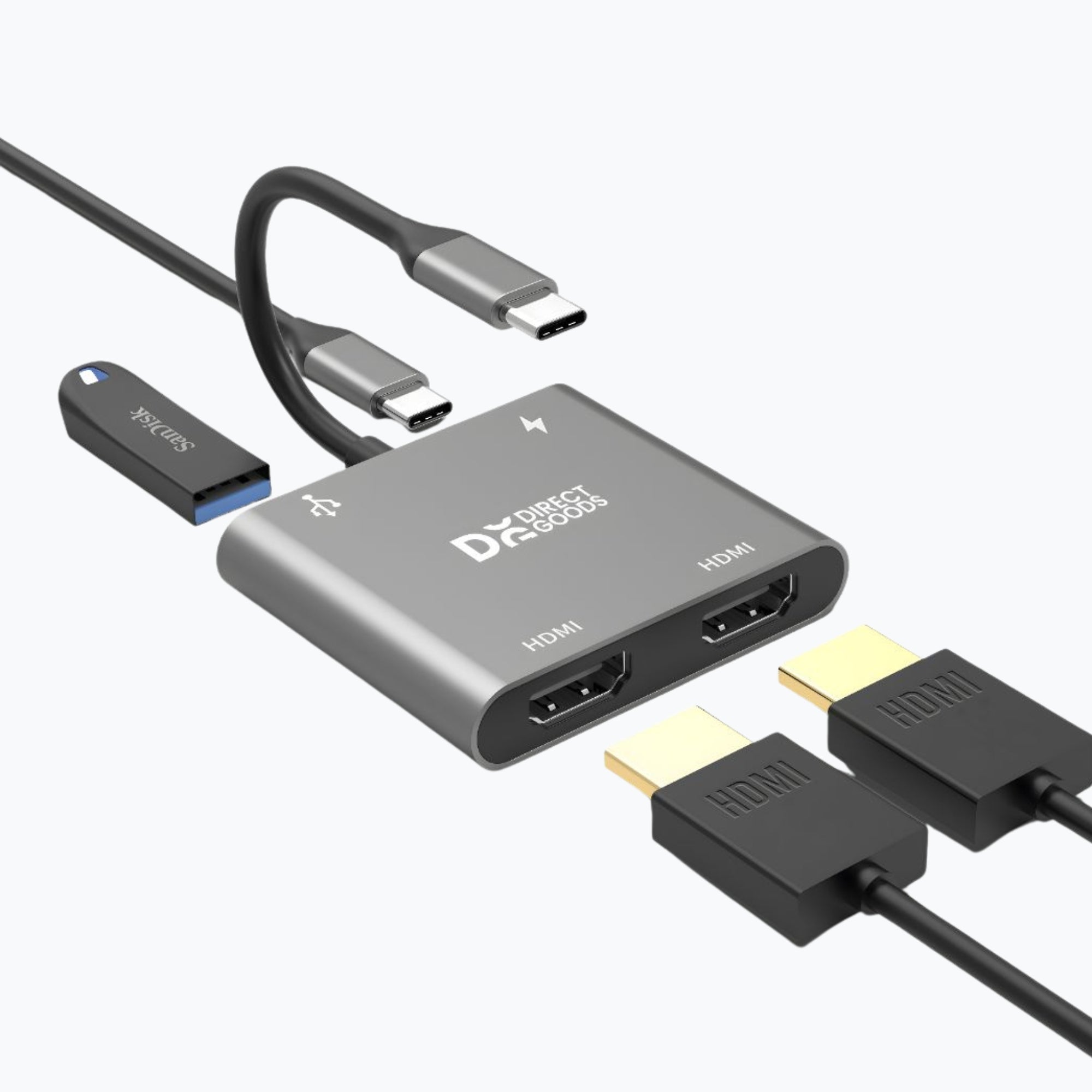
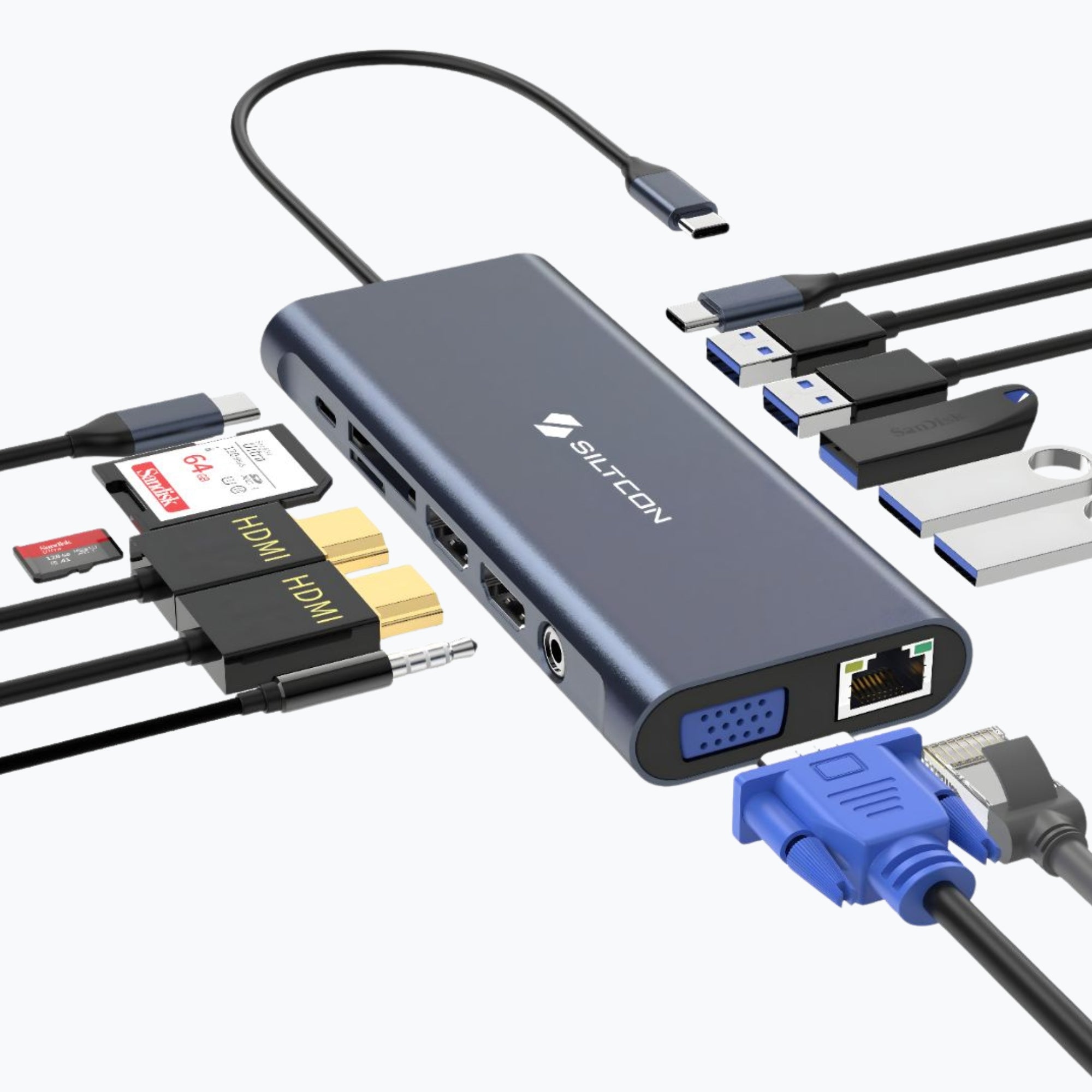
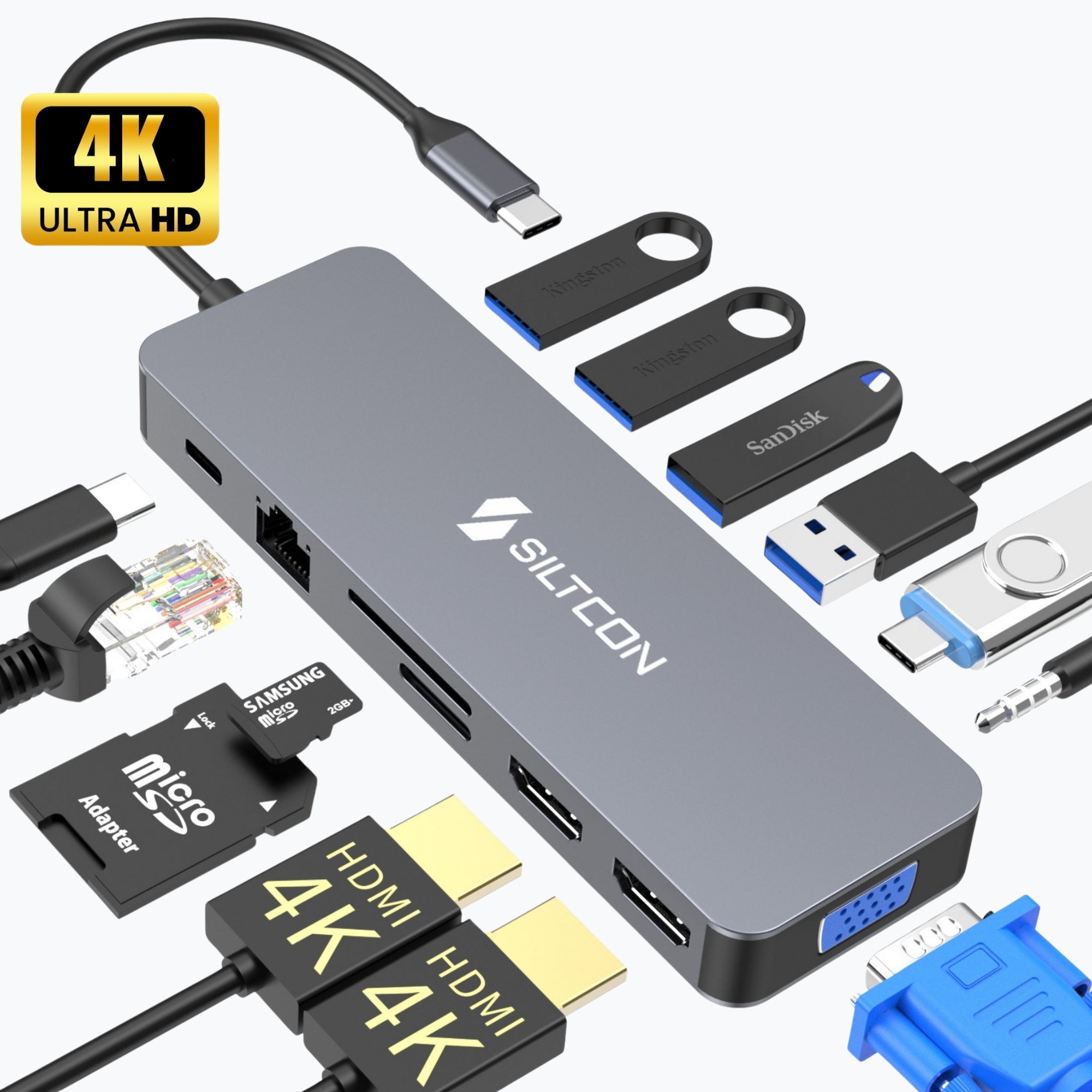
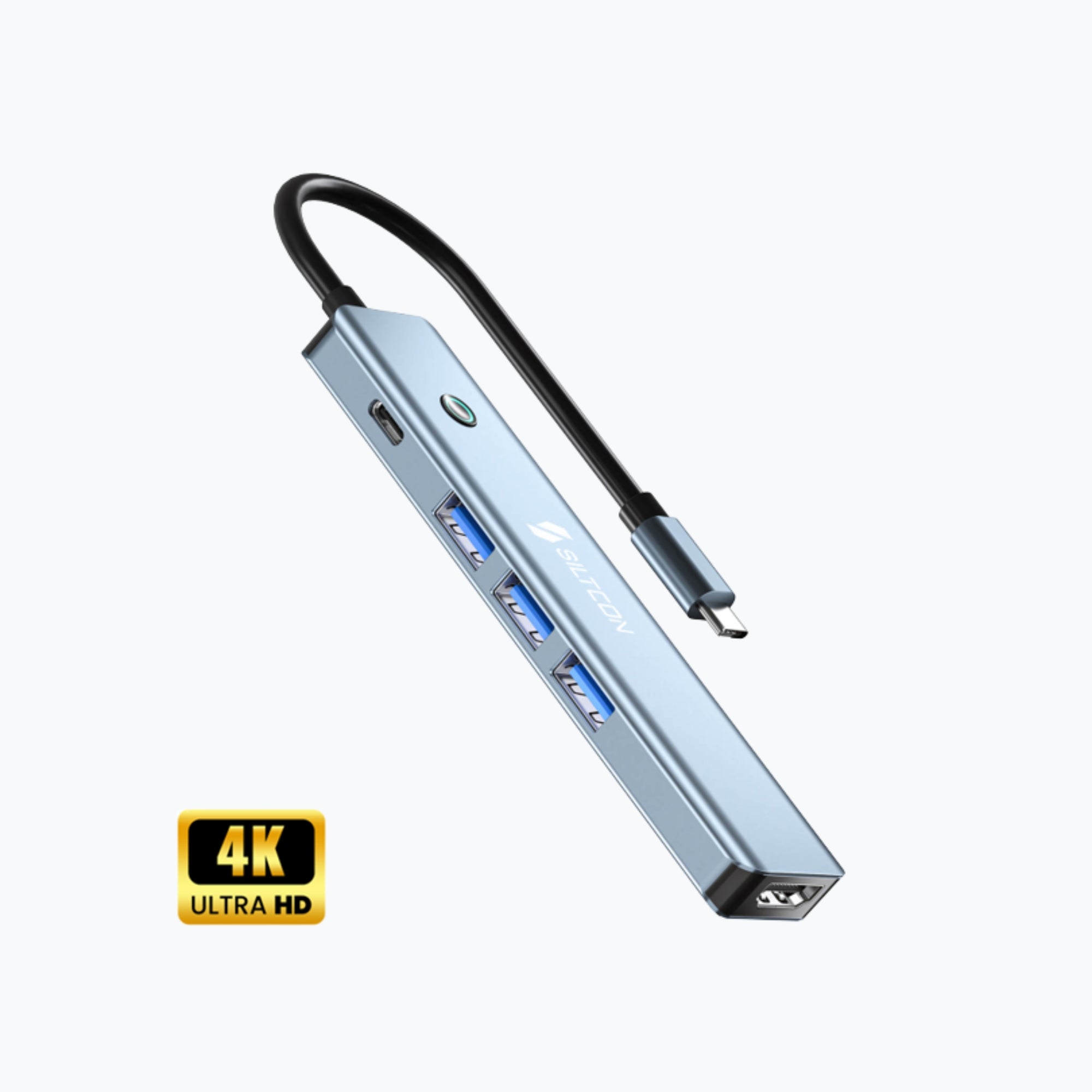
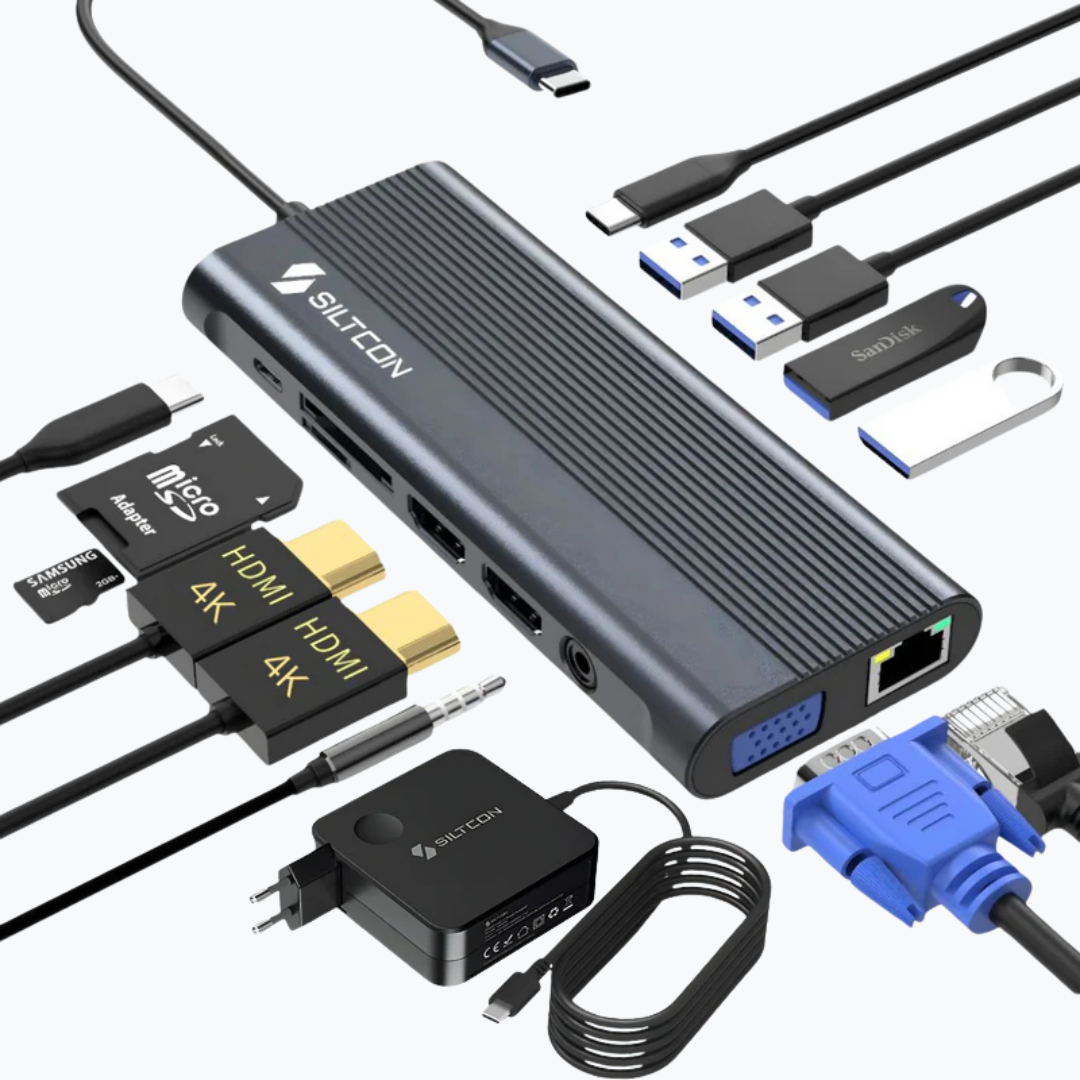
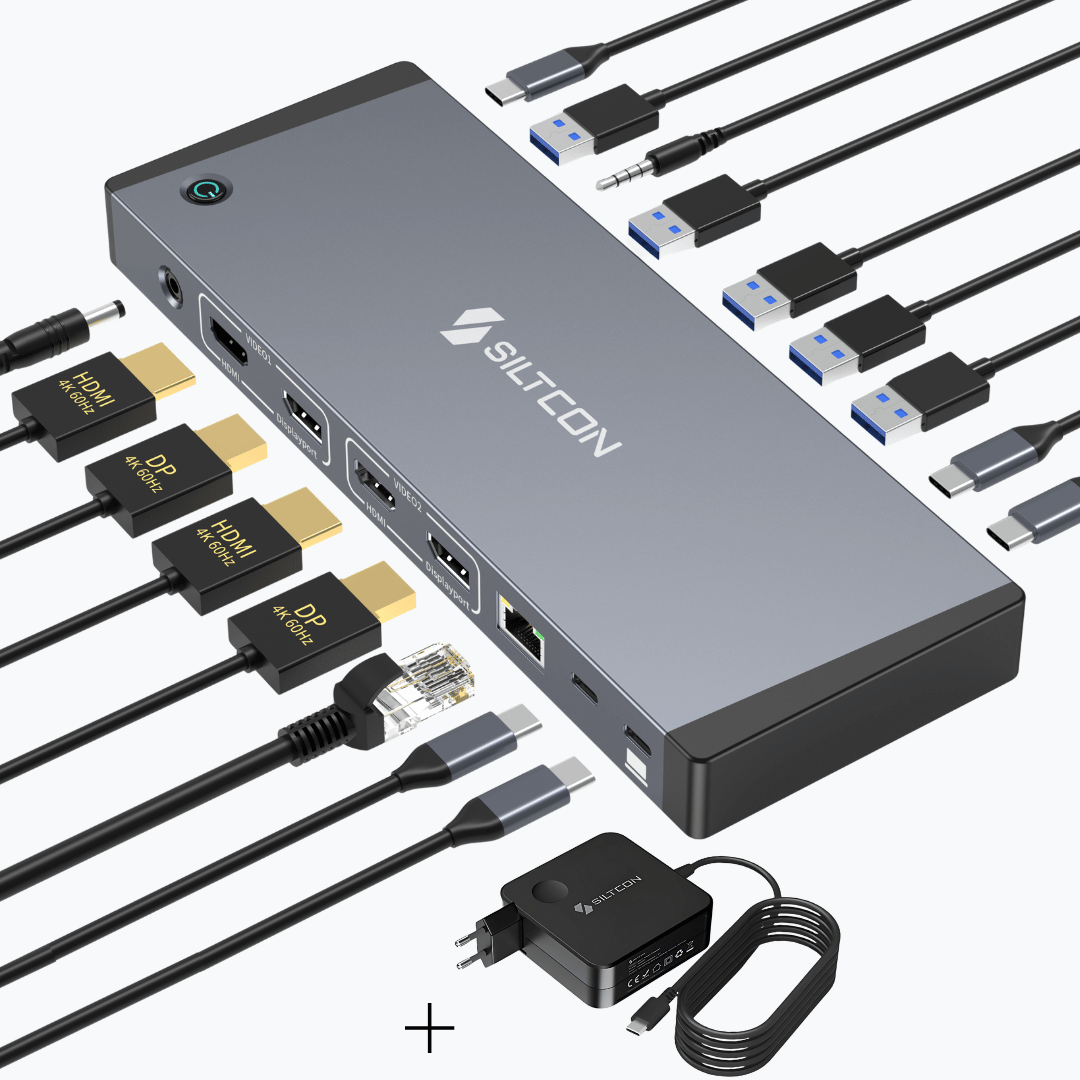
The difference mainly lies in the number and type of connections. A 6-in-1 docking station usually offers the essential ports, such as HDMI, USB A, USB C, and often a card reader. This is ideal for daily use if you want to connect one extra screen and use some accessories. An 8-in-1 or 14-in-1 docking station goes a step further. You will often find multiple HDMI ports, an ethernet connection for stable wired internet, extra USB ports, and support for power delivery to charge your laptop simultaneously. The more ports, the more extensively your workspace can be set up. So it mainly depends on your needs. If you work with multiple monitors or a lot of peripherals, a more comprehensive model is a smart choice.
3. Can I connect multiple monitors to a docking station?
Yes, many of our docking stations support connecting multiple displays. This is ideal when you want to work more productively or, for example, have spreadsheets, email, and a browser open at the same time. Depending on the model, you can connect two or sometimes even three screens via HDMI. However, it is important that your laptop supports this via USB C with DisplayPort functionality. Most modern laptops and MacBooks can handle this, but it's always good to check. Working with multiple screens provides more overview and less switching between windows. You will notice this immediately in your work pace. For remote workers, students, and business users, this is often the main reason to purchase a docking station.
4. Can I charge my laptop through the docking station?
Many of our USB C docking stations support power delivery. This means you can charge your laptop through the same cable you use to connect all other devices. So you no longer need a separate charger on your desk. This creates a neat and tidy workspace. Make sure your laptop supports charging via USB C and that you use a suitable charger with enough power. Some models support up to 100 watts, which is more than enough for most laptops. The convenience of one cable for both power and data makes a docking station extra attractive. Especially if you often take your laptop with you and want to connect quickly at home or in the office.
Compatibility and use
5. Does a docking station work with my MacBook or Windows laptop?
Our docking stations are designed for broad compatibility. They work with most laptops that have a USB C port supporting data and video. This applies to many MacBooks, Windows laptops, and some tablets as well. The nice thing is that most models work immediately without needing extra software installation. You connect the docking station and can start right away. However, it is important to check if your USB C port supports video signal. Not every USB C connection automatically supports that. If in doubt, you can always contact our customer service. We are happy to help you make sure you make the right choice.
6. Do I need special cables or accessories?
In most cases, you can get started right away with what you already have. The docking station connects via USB C, and for your monitor, you can use an HDMI cable, for example. However, it is important to use quality cables that support both video and data. Not every USB C cable supports video. If your laptop is charged through the docking station, a powerful USB C charger is important. Preferably use the original charger of your laptop. Good cables ensure stable performance and prevent malfunctions. So it's better to invest in reliable accessories to make the most of your docking station and keep everything running smoothly.
7. Is a docking station also suitable for working from home or flexible workspaces?
Absolutely. Especially for working from home, a docking station is an ideal solution. You create a fixed workspace in seconds without hassle with cables. When you come home with your laptop, you connect one cable and everything works immediately. Monitor, keyboard, mouse, and internet are all connected right away. It’s also very convenient at the office or flexible workspaces. You don’t have to reconnect everything each time. That saves time and makes your workday more pleasant. Additionally, a fixed setup promotes a better ergonomic posture because it’s easier to work with an external screen at eye level. This is more comfortable and often healthier in the long run.
Service, quality, and certainty at Siltcon
8. Why should I buy my docking station from Siltcon?
At Siltcon, you don’t just choose a docking station, but also certainty and service. We now have over 150,000 satisfied customers and work directly with manufacturers. This allows us to offer high quality at a fair price. Our products comply with European regulations and carry the CE mark and test certificates. You also benefit from free shipping within the Netherlands and fast delivery. If you order before 11:59 PM, you usually receive your order the next day. We believe it’s important that you’re satisfied, not only with the product but with the entire experience.
9. What about warranty and returns?
When you order a docking station from us, you automatically get a two-year warranty. That gives peace of mind. If something goes wrong within that period that isn’t caused by your own use, we will provide a suitable solution. Additionally, you have a 30-day return period. This means you can try the product at home at your own pace. If it doesn’t fit your laptop or needs, you can return it. We understand that you want to experience a purchase before you’re really sure it suits you. That’s why we make the return process as simple as possible. This way, you buy risk-free and with confidence.
10. What if I'm unsure about compatibility or need help with installation?
If you're unsure whether a particular docking station is suitable for your laptop or need help connecting multiple screens, we're here for you. Our customer service is happy to assist and provide honest advice. Sometimes a quick message with your laptop type is enough to clarify things. We believe it's important that you make the right choice and don't face surprises later on. Even after purchase, you can contact us with questions about installation or use. Personal contact and clear explanations are a given for us. This way, we ensure you use your new docking station with confidence and ease.
FAQ generator by MarketingCollega

Discover our story
Siltcon grew from a hobby into a close-knit team with one goal: making useful technology accessible to everyone.
Read moreTrusted by Our Partners