


USB-C Hubs
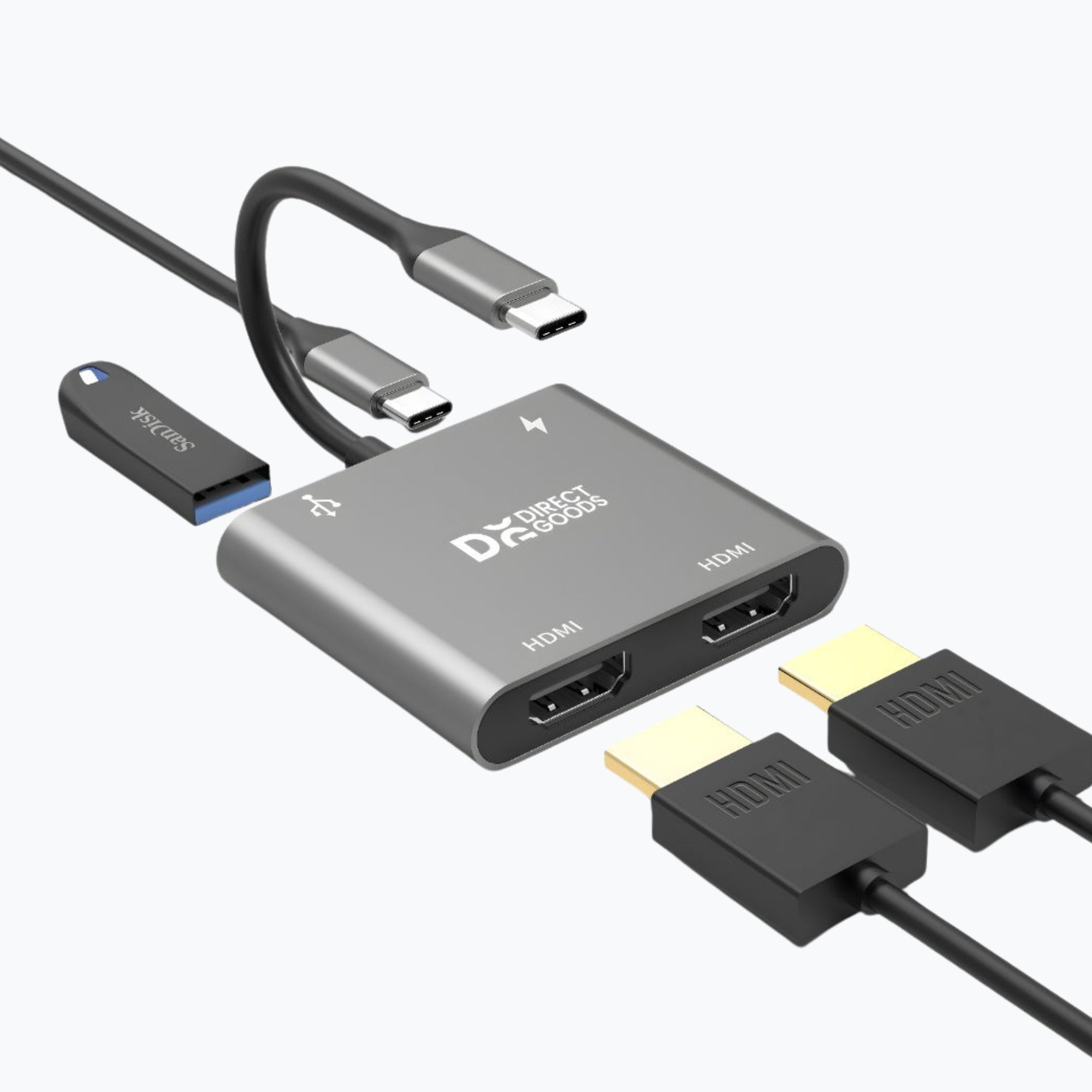
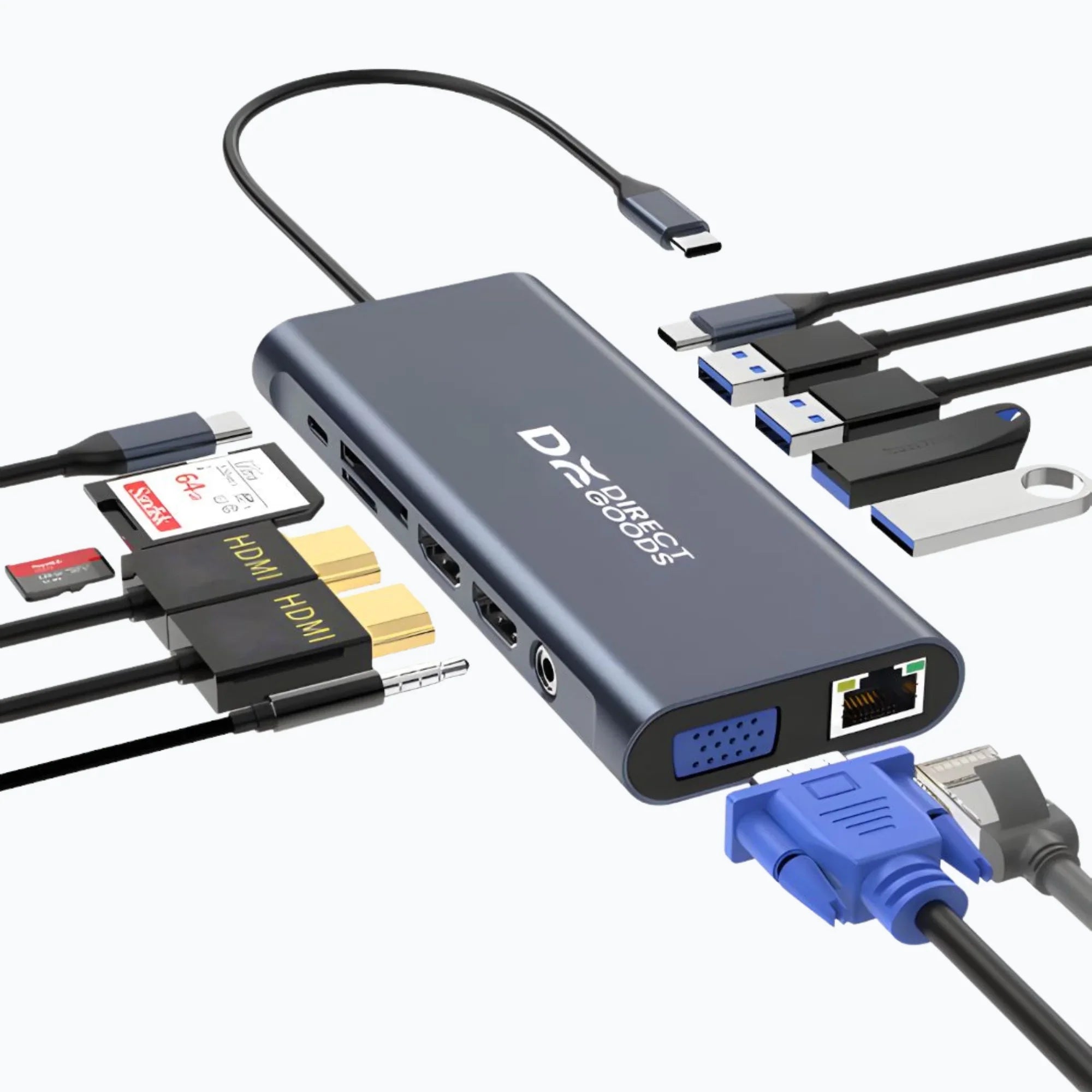
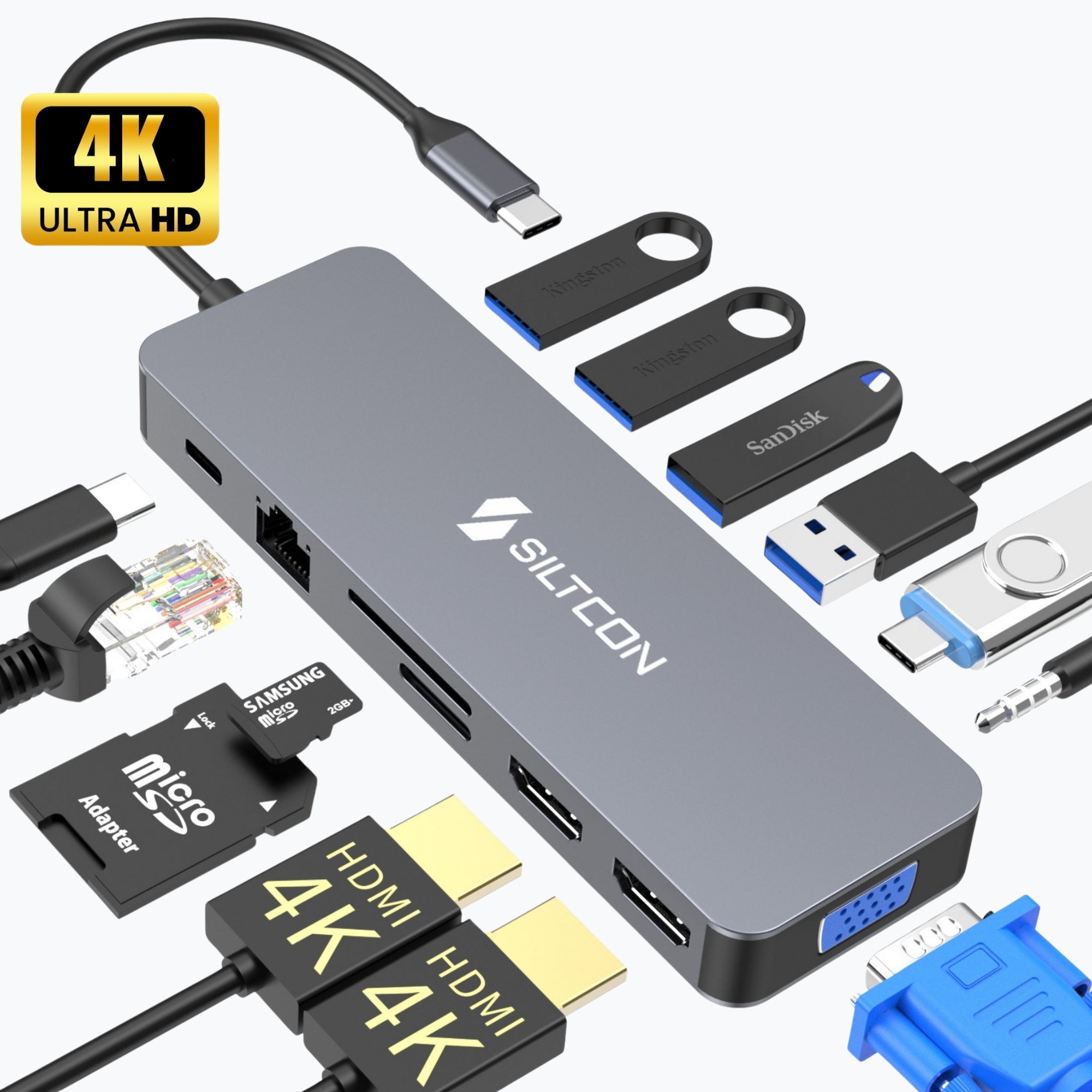
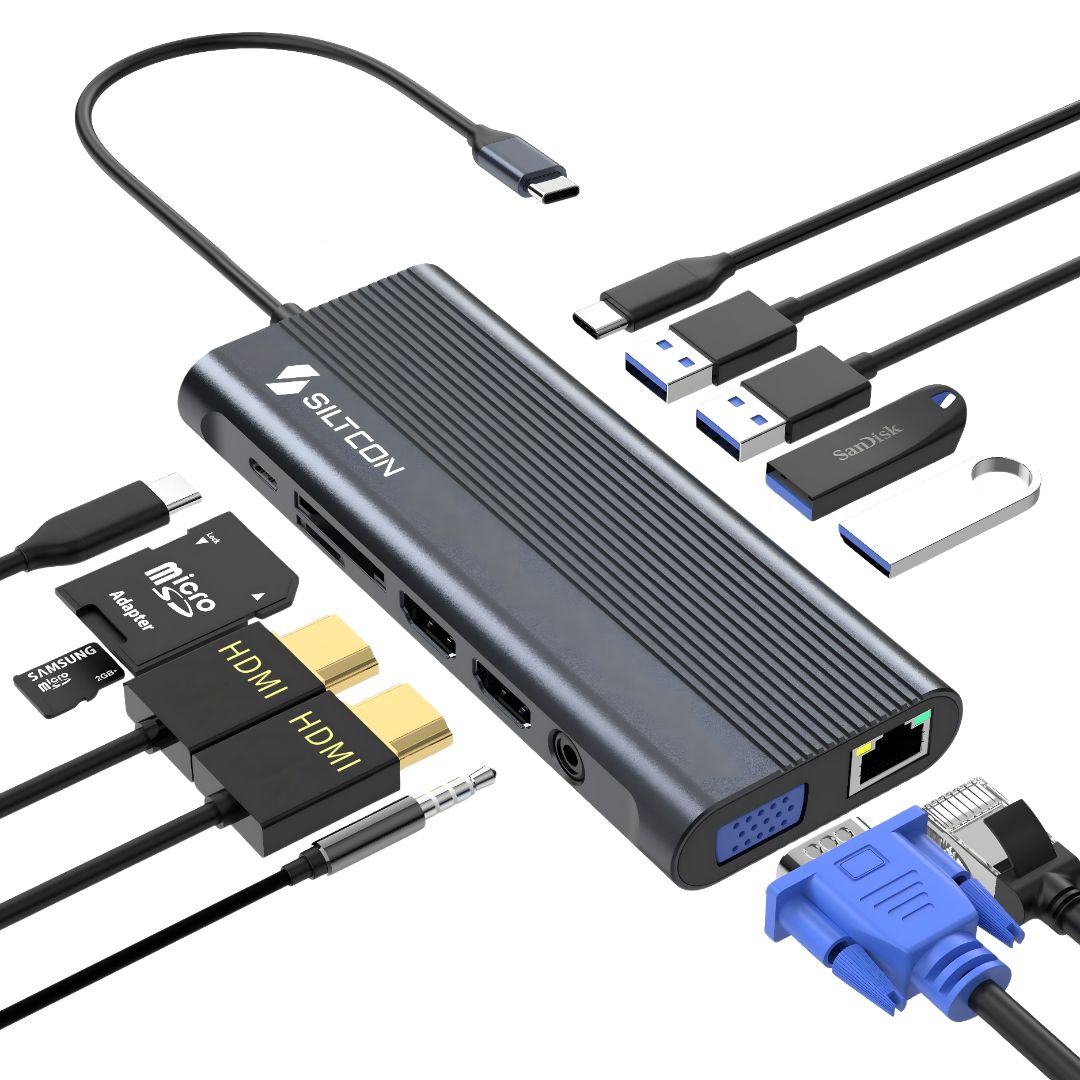
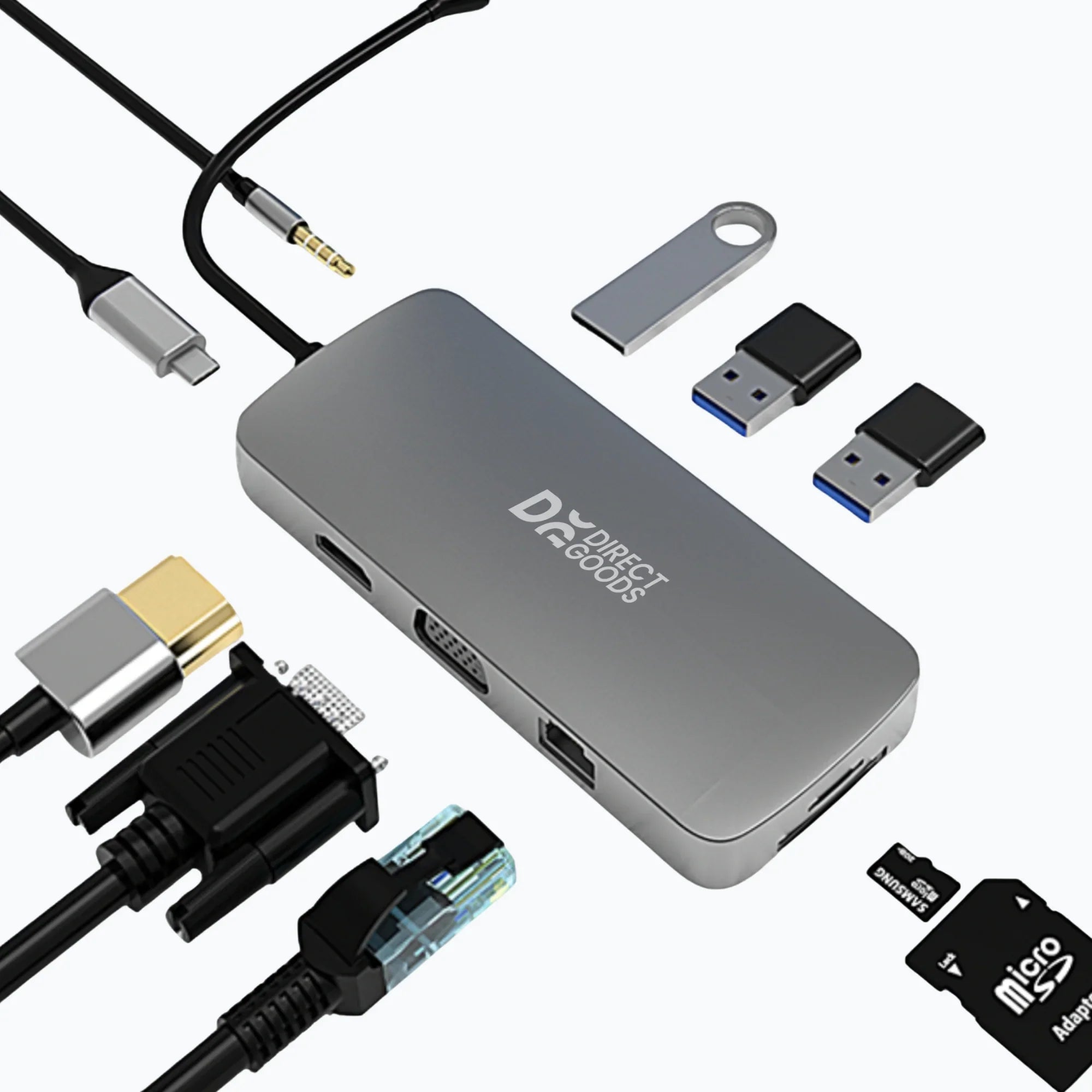
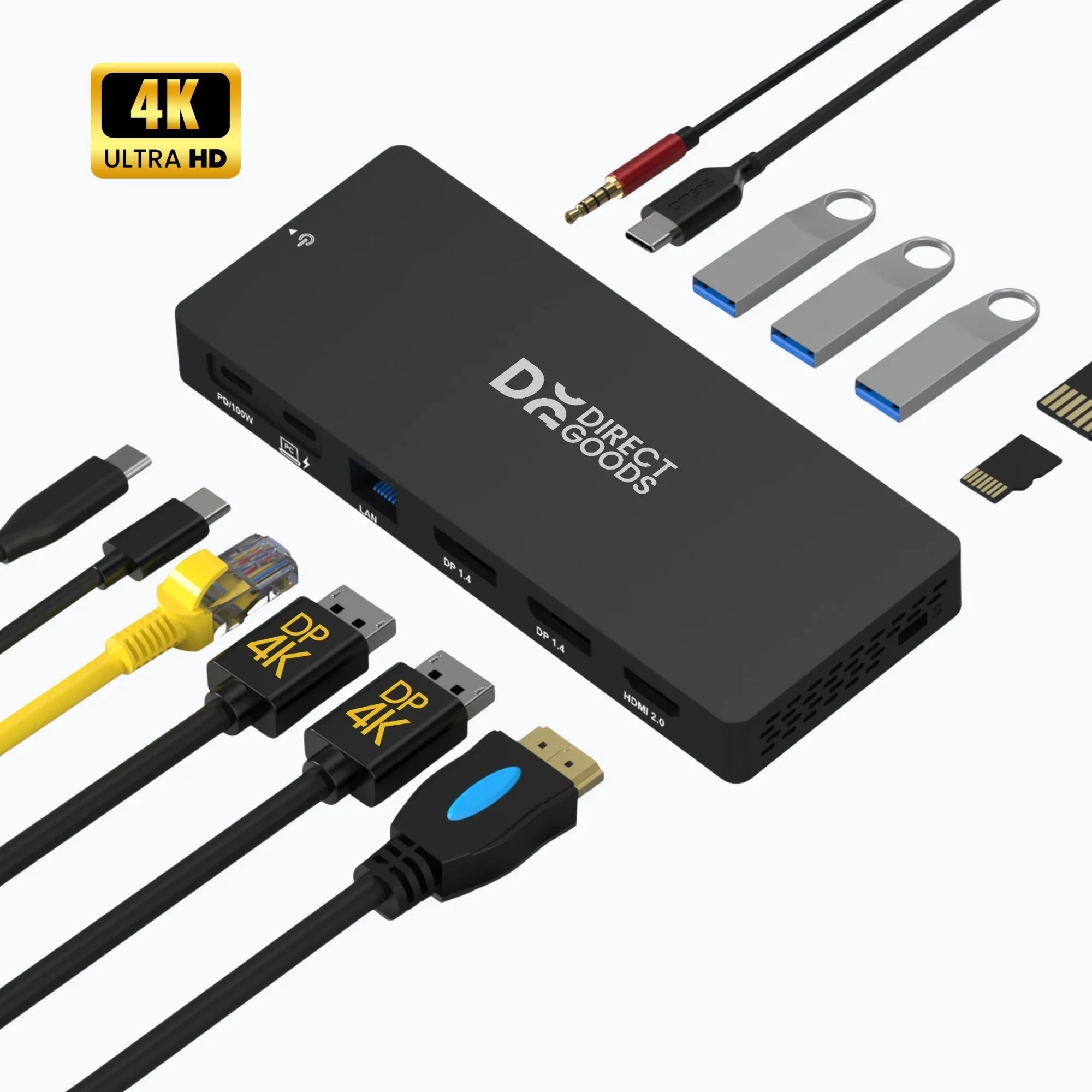
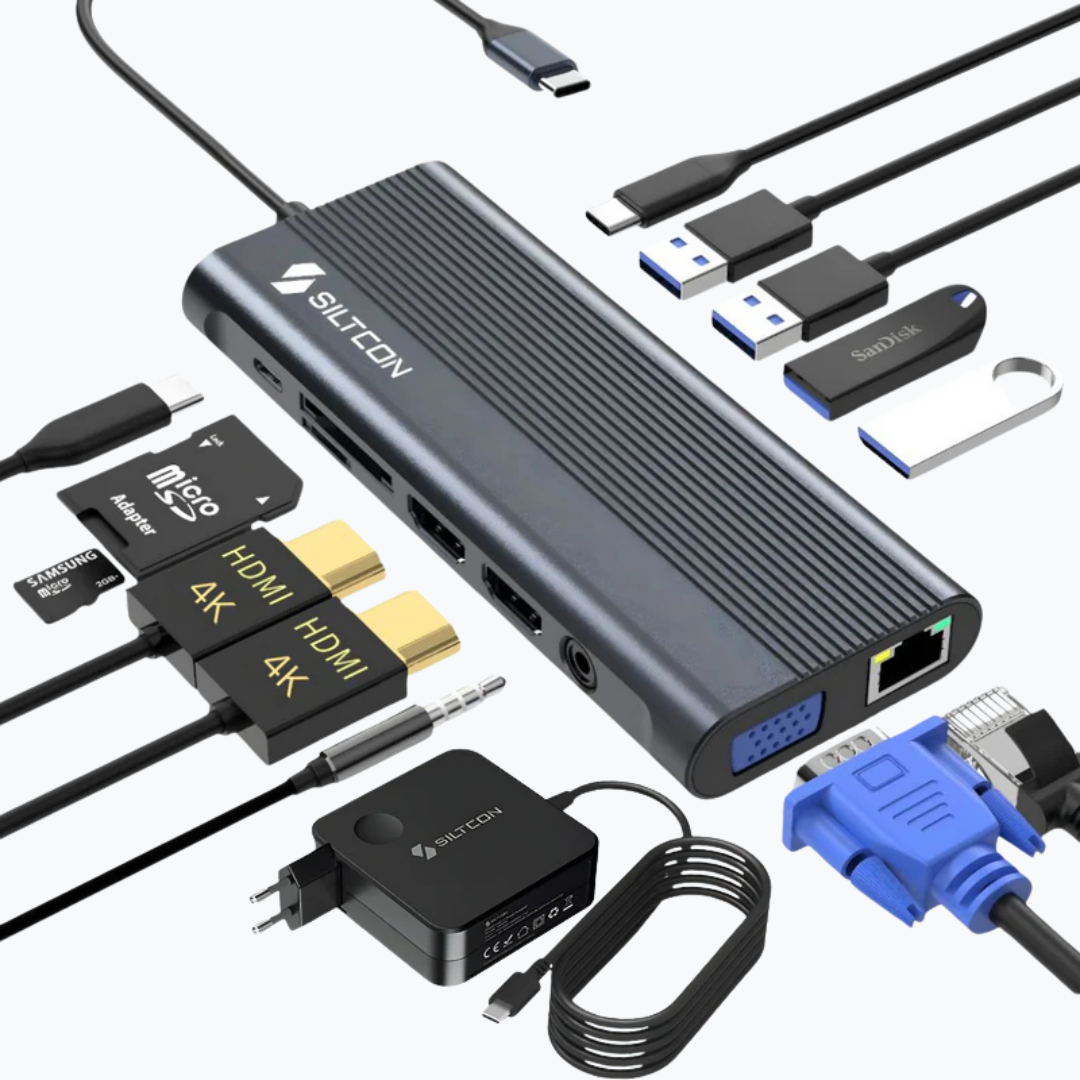
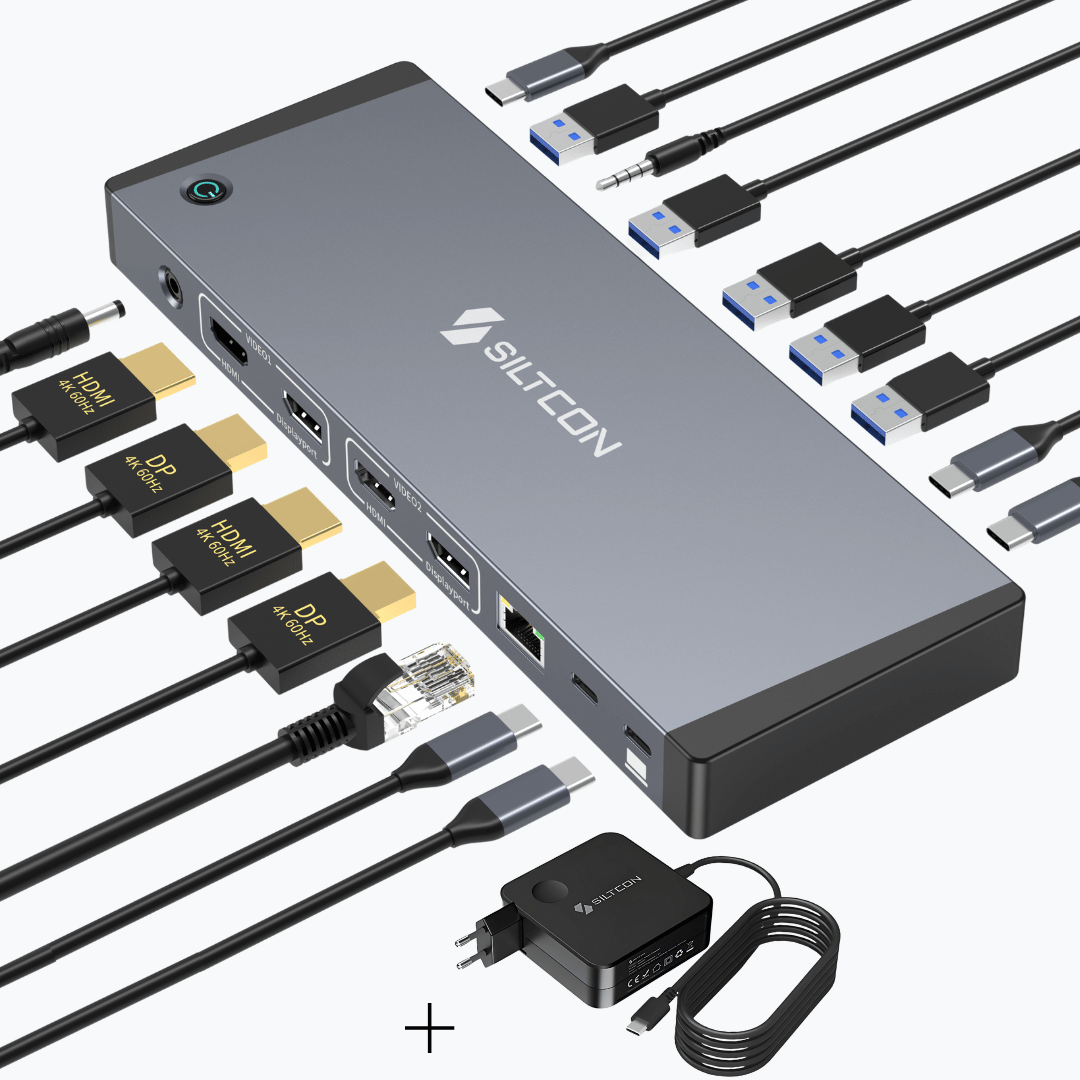
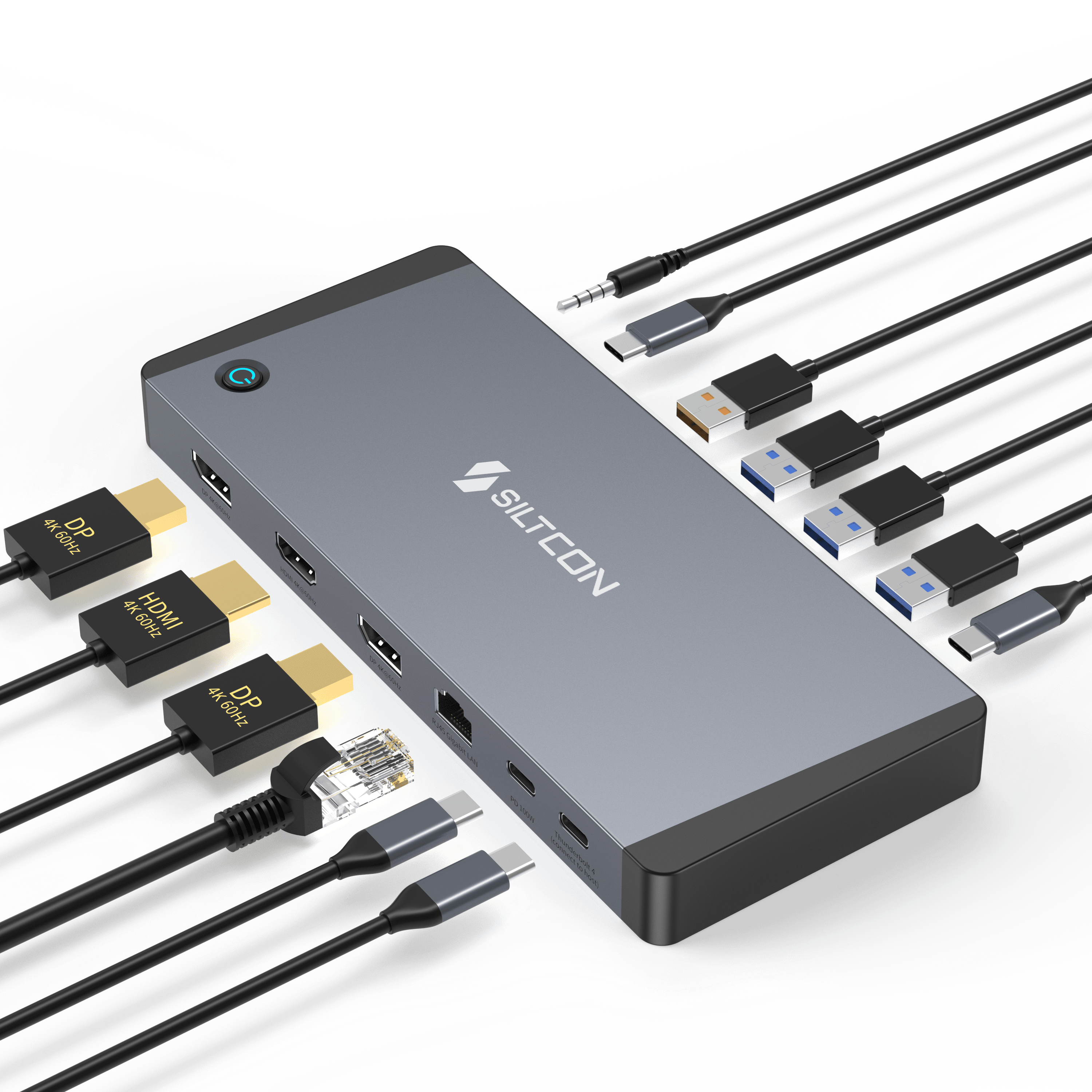
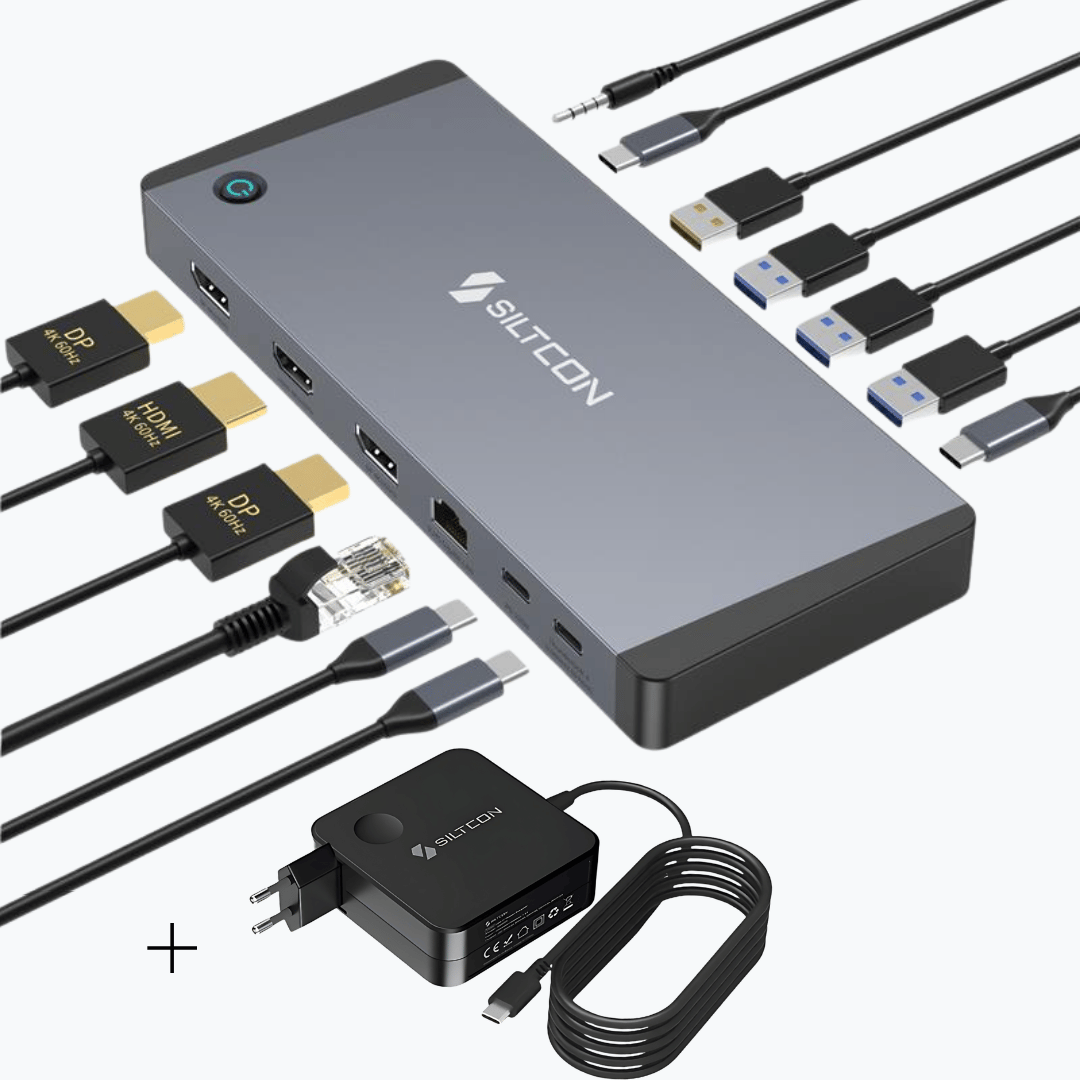
A USB-C hub is the ultimate solution if you want to get more out of your laptop. Modern laptops are thin and powerful but often have a limited number of ports. With a USB-C hub, you can easily expand your workspace with extra ports such as HDMI, USB-A, USB-C, Ethernet, or an SD card reader. This allows you to effortlessly connect a monitor, mouse, keyboard, or external hard drive via a single cable.
Filters
10 products
10 frequently asked questions about our USB-C hubs
Unsure which hub you need?
1. What exactly can I do with a USB-C hub?
Sound familiar? You have a nice, slim laptop… but hardly any ports. No room for your HDMI cable, USB stick, and mouse all at once. That’s exactly where a USB-C hub makes a difference. You connect one cable to your laptop and instantly get multiple ports. Think HDMI for your monitor, USB-A for older accessories, an SD card reader for photos, or even a network connection for stable internet.
The great thing is that your workspace immediately becomes more organized. You no longer have to switch between cables or use separate adapters. Especially if you work from home or often take your laptop with you, a good USB-C hub provides peace of mind and convenience. It feels like your laptop is “complete” again.
2. Which USB-C hub suits my situation best?
That really depends on how you use your laptop. Do you mainly work with one extra screen and a few accessories? Then a compact 6-in-1 or 7-in-1 hub is often perfect. Do you use multiple screens, an ethernet cable, and various USB devices at the same time? Then a more extensive hub with more ports is a better choice.
Focus on three things: do you want to connect a monitor, do you need wired internet, and do you want to charge your laptop through the hub at the same time? Answering these questions will make your choice much easier. Still unsure? It helps to look at which connections you use daily. This way, you avoid choosing too few or unnecessarily many ports.
Monitors, charging, and performance
3. Can I connect an external monitor via a USB-C hub?
Yes, that’s possible with most models that have an HDMI port. Simply connect your monitor’s HDMI cable to the hub and connect the hub to your laptop. Within a few seconds, your second screen will be recognized. This is ideal if you want to work more productively, for example with two windows side by side.
Just make sure your laptop supports USB-C with video output. Most modern laptops do, but it's good to check. Do you work a lot with spreadsheets, design software, or multiple documents at once? Then a hub with HDMI is definitely recommended. You'll immediately notice how much calm and clarity an extra screen provides.
4. Can I charge my laptop through the USB-C hub?
With many USB-C hubs, this is possible via Power Delivery. That means you connect your charger to the hub and the hub passes the power to your laptop. So you only have one cable running to your laptop.
This is especially useful if you have a fixed workspace. You come home or to the office, plug in one cable, and everything works immediately: your monitor, your accessories, and your laptop gets charged. Just make sure the hub supports enough power for your laptop. For many laptops, 65W is ideal. That way you’re sure your laptop keeps charging properly even during intensive use.
5. Will my laptop slow down if I use a USB-C hub?
No, normally not. A good USB-C hub is designed to efficiently distribute data over the different ports. So you can easily use a mouse, keyboard, hard drive, and monitor at the same time without your laptop becoming noticeably slower.
It is important that you use quality cables and that your laptop has a full USB-C port. With intensive use, such as transferring large files and using an external screen, a stable connection is important. In practice, most users notice no difference in speed, only extra convenience.
Practical use & reliability
6. Is a USB-C hub useful for working from home?
Absolutely. For working from home, a USB-C hub has become almost indispensable. You create a fixed workspace at once without cable chaos. You connect your monitor, mouse, keyboard, and possibly internet to the hub and only need to plug one cable into your laptop.
That saves time and frustration. No more hassle with cables every morning. Plus, you work more comfortably with an external screen at eye level. Many people notice they become more productive once their workspace is well organized. A USB-C hub is a small investment with great daily convenience.
7. Can I also take a USB-C hub with me on the go?
Definitely. Many hubs are compact and lightweight, making them easy to carry in your bag. This makes them ideal for flexible working, studying, or business meetings. You never know which connections will be available, so it’s good to have your own solution with you.
For example, if you work in different locations or often take your laptop to the office, you don’t need separate adapters everywhere. One hub is enough. It offers flexibility without extra weight or hassle.
8. Does a USB-C hub work with my MacBook or Windows laptop?
In most cases, yes. As long as your laptop has a USB-C port that supports data and video, a hub usually works right away without installation. You plug it in and you’re ready to go.
If you use a MacBook or a modern Windows laptop, chances are everything will be recognized automatically. Unsure if your model is compatible? It’s wise to check if your USB-C port supports video signal. If you’re stuck, we’re happy to help with personal advice.
9. What should I look for when buying a USB-C hub?
Focus on what you use daily. Do you need an HDMI port? Do you want multiple USB-A connections? Is charging through the hub important to you? These are the key questions.
Build quality is also important. A sturdy casing and stable connection ensure your hub lasts a long time. It’s better to choose a model that offers a bit more than you currently need, so you stay flexible in the future. You don’t buy a USB-C hub for just one week, but for daily use.
10. Why should I buy my USB-C hub from Siltcon?
At Siltcon, it’s all about quality and clarity. We work directly with manufacturers to offer reliable USB-C hubs at a fair price. Our products comply with European regulations and are carefully tested.
Order before 11:59 PM, and you will usually have your order the next day. We offer free shipping within the Netherlands. You also get 30 days to change your mind and a two-year warranty. Unsure about the right choice? We’re happy to help you decide. This way, you’re not just buying a product, but also peace of mind and convenience.
FAQ generator by MarketingCollega

Discover our story
Siltcon grew from a hobby into a close-knit team with one goal: making useful technology accessible to everyone.
Read moreTrusted by Our Partners